How to Remove a Background in 4K (Without Losing Quality)
The whole point of a 4K photo is that you can zoom in and it stays sharp. Most online background removers undo that the moment you download: they process at a lower size or cap the free export at 1080p. To remove a background in 4K and actually keep the 4K, the tool must work at your image's full resolution — and that's exactly what FileConv does.
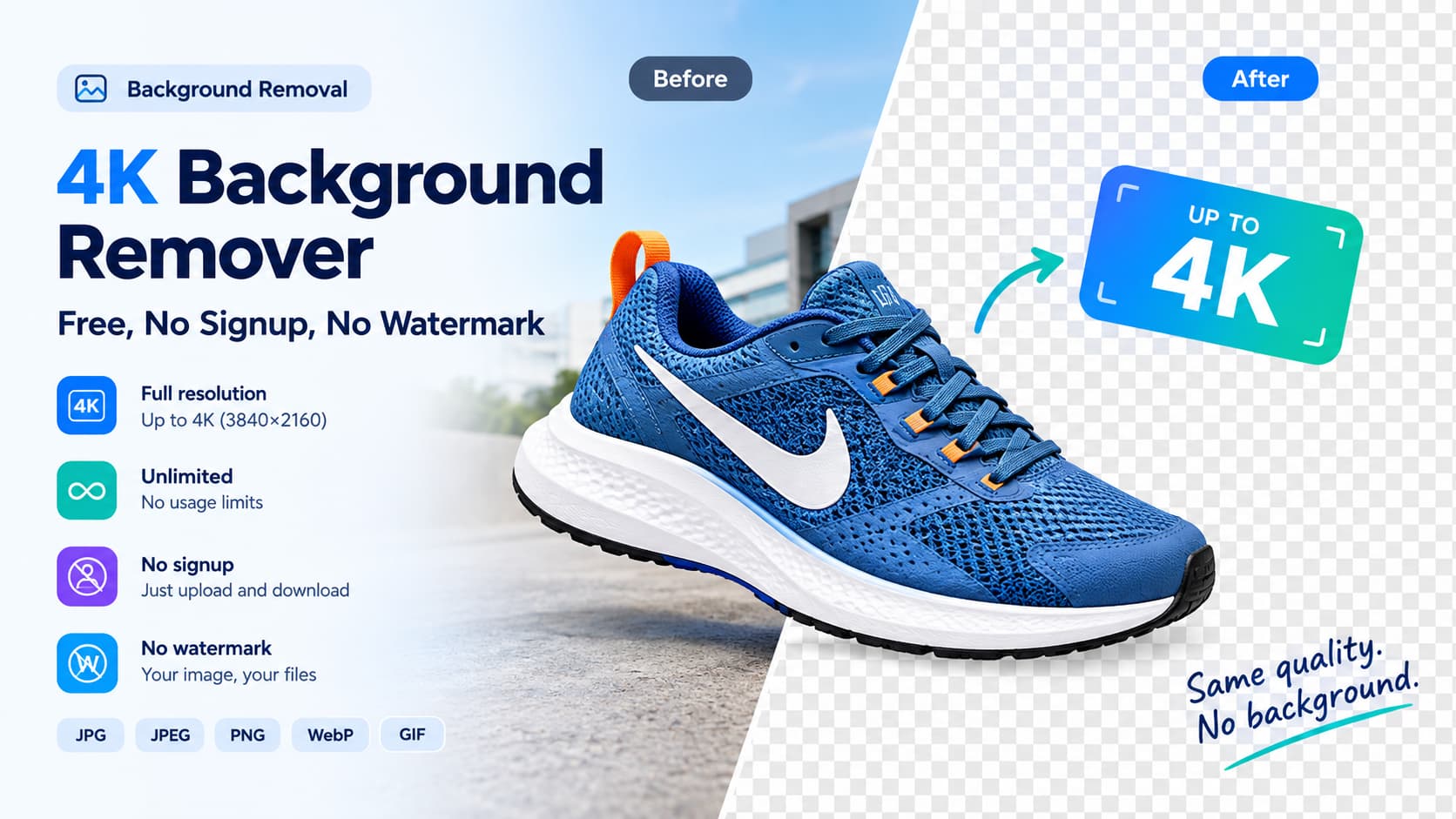
Here's the full workflow: upload a 4K image, remove the background, and download a full-resolution transparent PNG — free, no signup, no watermark.
Step 1 — Upload your 4K image
Open the free 4K background remover and drop in your photo (JPG, JPEG, PNG, WebP, or GIF). The upload limit is 25 MB, which comfortably fits a 4K JPEG. The image is processed at the size it is — FileConv doesn't pre-shrink 4K to 1080p behind the scenes.
Step 2 — Remove the background
The AI removes the background automatically at your image's full resolution — full-resolution, up to 4K (3840×2160). If any edge needs a touch, use the erase and restore tools, then work with the cutout the same size you uploaded.
Step 3 — Download a full-resolution transparent PNG
Download the result. Because nothing was down-scaled, the PNG you save is the same pixel dimensions as the photo you started with — a 4K transparent PNG you can use for print, e-commerce, or compositing. No paywall on the resolution, no watermark to remove.
Will removing a 4K background lose quality?
No — when the tool works at the original resolution. Quality loss in background removal usually comes from two places: the tool re-encoding at a smaller internal size, or a free-tier export cap that forces you to buy "full resolution." FileConv avoids both: it removes the background and exports at your original size, up to 4K, for free.
When 4K vs HD actually matters
- Print and large format → you need 4K (or your original size); 1080p will soften.
- E-commerce hero / PDP images → 4K keeps edges crisp on retina and zoom.
- Social-only use → 1080p is usually plenty, but you can still remove at full res and let the platform downscale.
The safe default is to always remove at full resolution and downscale only if a specific platform needs it — that way you never lose quality you can't get back.
Remove-a-background-in-4K FAQ
Does FileConv remove the background at 4K? Yes. It removes the background at your image's full resolution — up to 4K — and exports it there, so a 4K upload returns a 4K transparent PNG.
Is there a resolution limit on the free tool? No. The free tool exports at your original size — full-resolution, up to 4K — with no watermark and no credit limit.
Do I need to pay to get the full-resolution cutout? No. Full-resolution, up-to-4K output is part of the free tool — no signup, no payment.
Related reading
- 4K background remover (free, no signup) — 2026
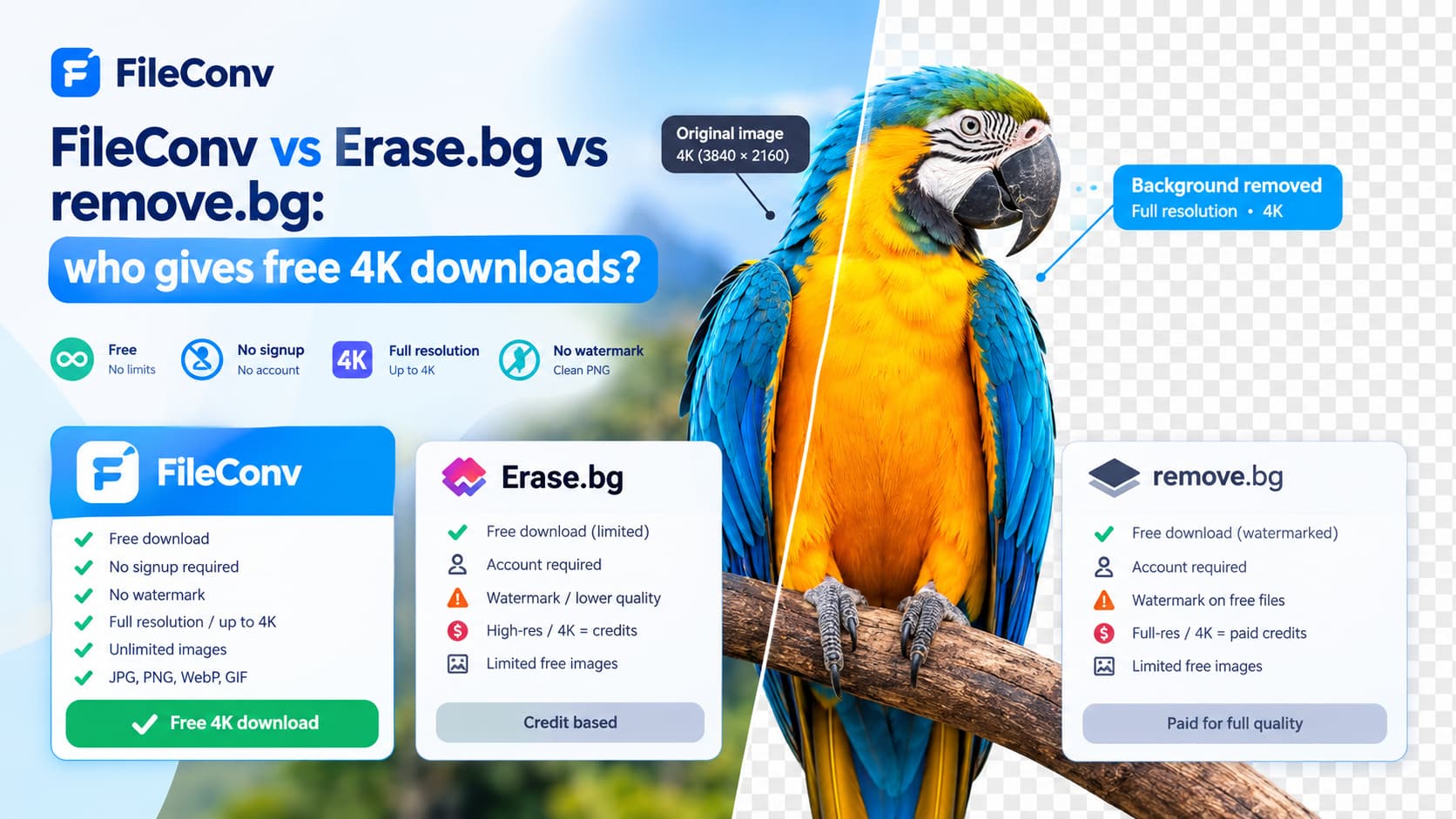
- FileConv vs Erase.bg vs remove.bg: who gives free 4K downloads?
Remove a background in 4K, free → Start here