4K Background Remover (Free, No Signup) — 2026
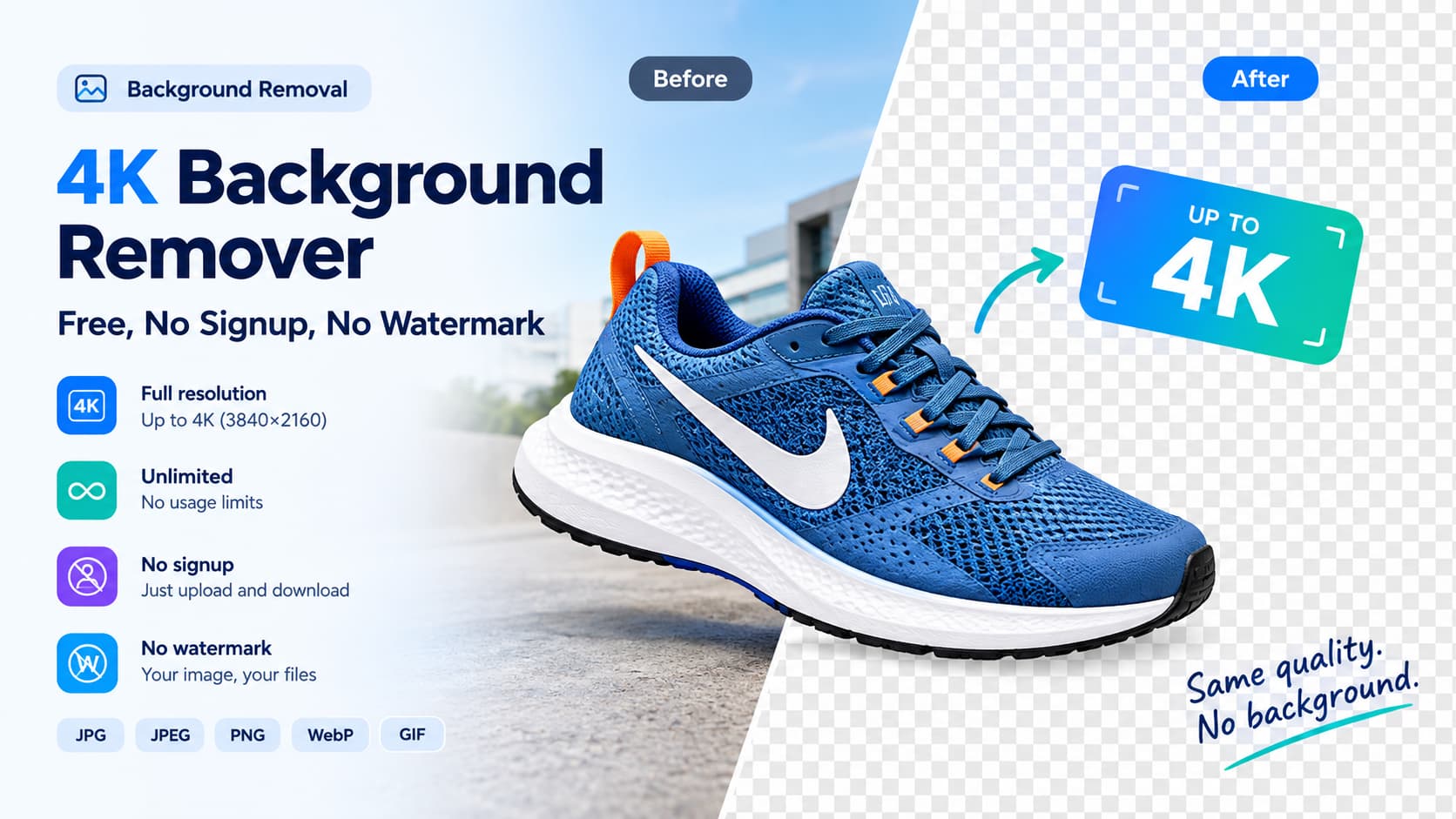
Most "background remover" tools quietly downscale your photo before they give it back. If you work with product shots, print assets, or large-format graphics, that matters: a background you remove at 1920×1080 and re-expand is not the same as a cutout that was never touched. A true 4K background remover keeps your image at its original resolution — full resolution, up to 4K (3840×2160) — and hands back a crisp transparent PNG.
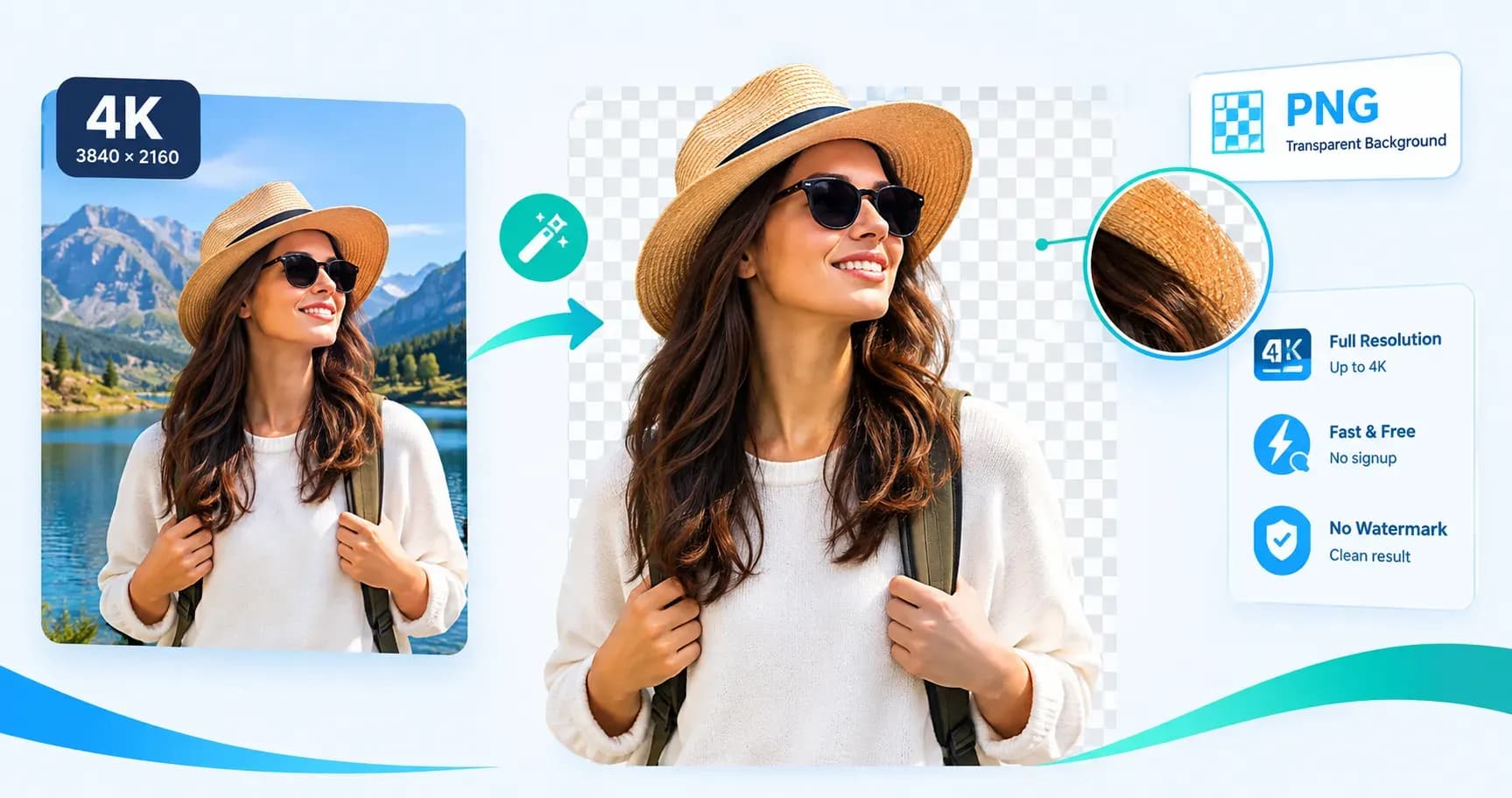
FileConv is free, needs no signup, and adds no watermark. Upload a 4K photo, remove the background, and download a 4K transparent PNG. Here's what "4K" actually means in practice, and why full-resolution output is the difference.
What is a 4K background remover?
A 4K background remover (or a background remover that works in 4K) is a tool that removes an image's background without downscaling it — so a 4K input comes back as a 4K transparent PNG. The key property is no lossy re-encoding and no forced export ceiling: the output is the same pixel dimensions you uploaded.
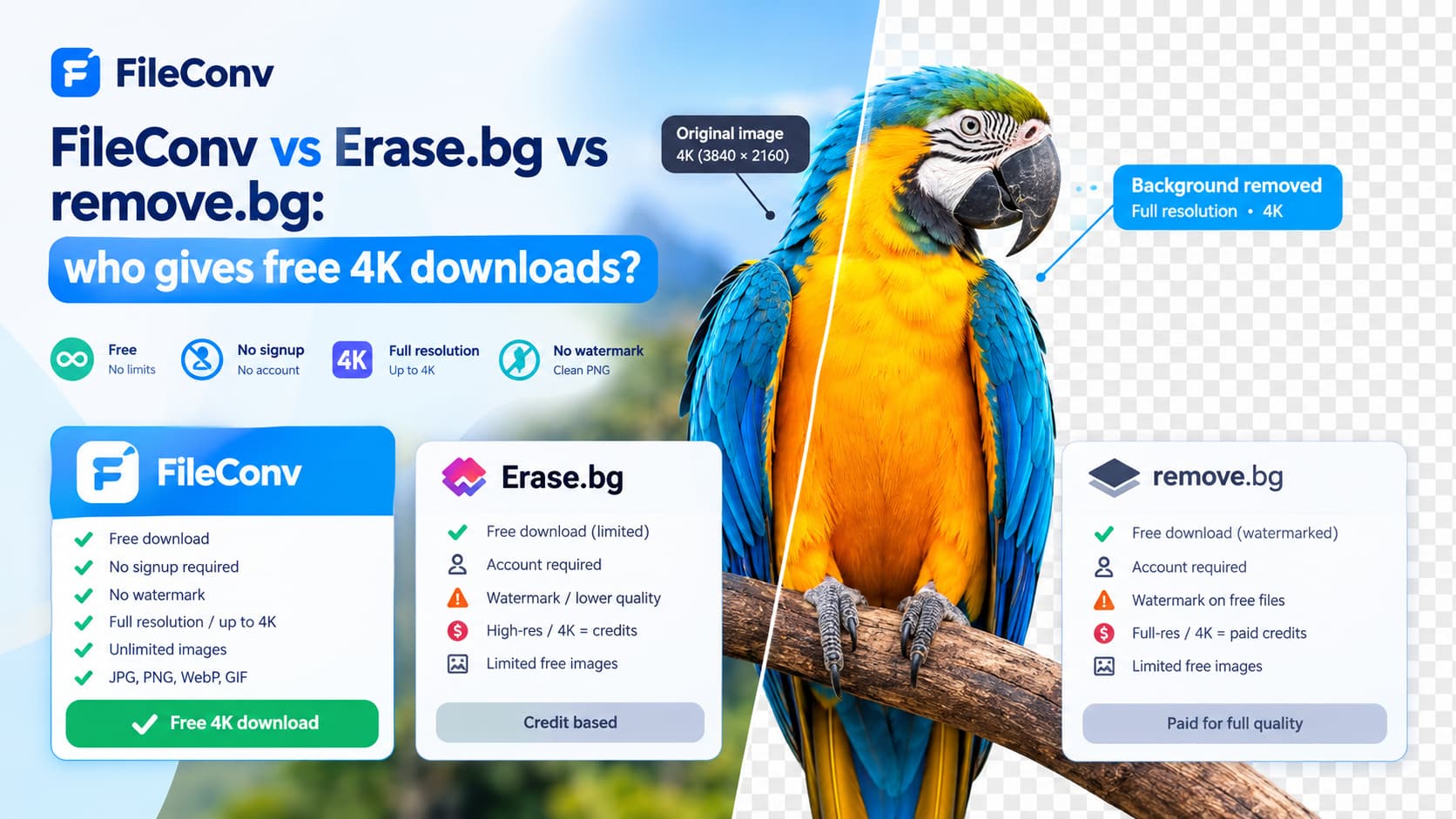
That's the part most tools skip. Many online removers run at a fixed internal size or cap the free download at 1080p, then charge to "upscale." FileConv does the opposite: it removes the background at your image's full resolution and exports it there — up to 4K — with no paywall on the resolution itself.
4K vs HD vs standard: what you actually get
| Output tier | Typical resolution | Good for |
|---|---|---|
| 4K (full-resolution) | Up to 3840×2160 | Product photography, print, large banners, e-commerce hero images, retouching |
| HD / 1080p | 1920×1080 | Social media, standard web hero images |
| Standard / capped | 800–1200px (often watermarked) | Quick previews, thumbnails |
If you've ever downloaded a "free" cutout only to find it's ~1200px wide and watermarked, you were on the standard tier. A 4K background remover keeps you on the top row — at your original size — for free.
Why full-resolution cutouts matter
- Print and large format. A 4K cutout scales to physical sizes without soft edges.
- E-commerce hero shots. Marketplace and PDP images are judged at full resolution; a 4K PNG stays sharp on retina displays.
- Compositing. Dropping a full-res subject into a new scene (new background, gradient, drop shadow) keeps edges clean at any zoom.
- No re-work. You don't download a 1080p version and hope it's enough — you keep what you shot.
How FileConv keeps your 4K resolution
FileConv's AI removes the background at your image's full resolution and exports the result there — full-resolution, up to 4K. It does not silently downscale or force an export cap. So if you upload a 4K photo, you get a 4K transparent PNG back.
- Free, no signup. No account, no email gate, no "pro" tier to unlock resolution.
- No watermark. The PNG you download is the PNG you keep.
- Unlimited. No credit system tied to resolution — process as many images as you need.
- Formats in: JPG, JPEG, PNG, WebP, GIF — open the free 4K background remover and upload.
4K background remover FAQ
Is the 4K background remover really free? Yes. FileConv's 4K background remover is completely free — no sign-up, no watermarks, and no limits on how many images you process.
Can I remove a background in 4K without losing quality? Yes. The AI removes the background at your image's full resolution (up to 4K), so you download a crisp, transparent PNG with no quality loss.
What's the highest resolution it exports? It exports at your original image size — full resolution, up to 4K (3840×2160). Upload a 4K photo and get a 4K transparent PNG back.
Do I need an account? No. There's no signup and no watermark — you upload, remove, and download.