FileConv vs Erase.bg vs remove.bg: who gives free 4K downloads?
You've probably tried a "free" background remover and been handed a small, watermarked file — with the full-resolution version behind a credit purchase. If you want to remove a background in 4K and actually keep the 4K, the thing that matters most is the free export, not the AI demo. That's where FileConv, Erase.bg, and remove.bg differ most.
Note on plans: pricing and free-tier limits change. The details below reflect the general, long-standing model of each tool — always confirm the latest terms on each site before relying on them.
The quick comparison
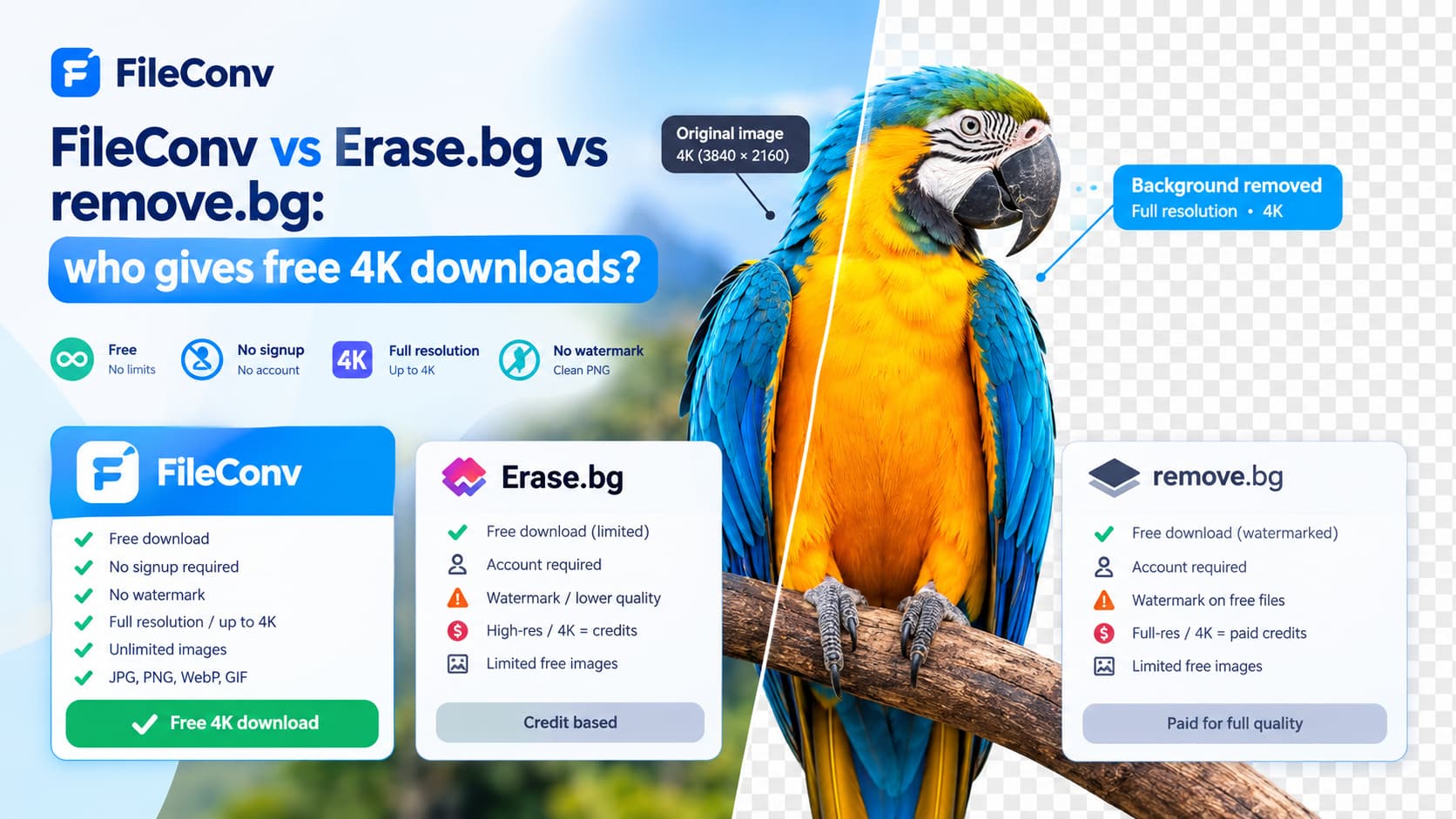
| FileConv | Erase.bg | remove.bg | |
|---|---|---|---|
| Free download | Yes | Yes | Watermarked, smaller |
| No signup required | Yes | Account model | Account model |
| No watermark on free files | Yes | Varies | Free files watermarked |
| Full-resolution / 4K export | Free — up to 4K | Credit-based | Credit / paid |
| Unlimited free images | Yes | Credit limits | Credit limits |
| Formats in | JPG, PNG, WebP, GIF | — | — |
Free downloads and watermarks
FileConv. The download is the file you keep: no watermark, no account, no email gate. You can process as many images as you need, and the result is the same full-resolution PNG every time.
remove.bg. The well-known model: the free download is watermarked and limited in size, while high-resolution and upscaled exports are sold as paid credits. That's a fine product for some jobs — but if you're testing whether a free tool can give you a clean 4K cutout, remove.bg's free tier is not where you'll get it.
Erase.bg. An AI background remover that leans on a credit system for high-resolution and upscaled output. Useful for its use case, but the resolution you can download for free is tied to the credits you have.
4K / full-resolution output — the real test
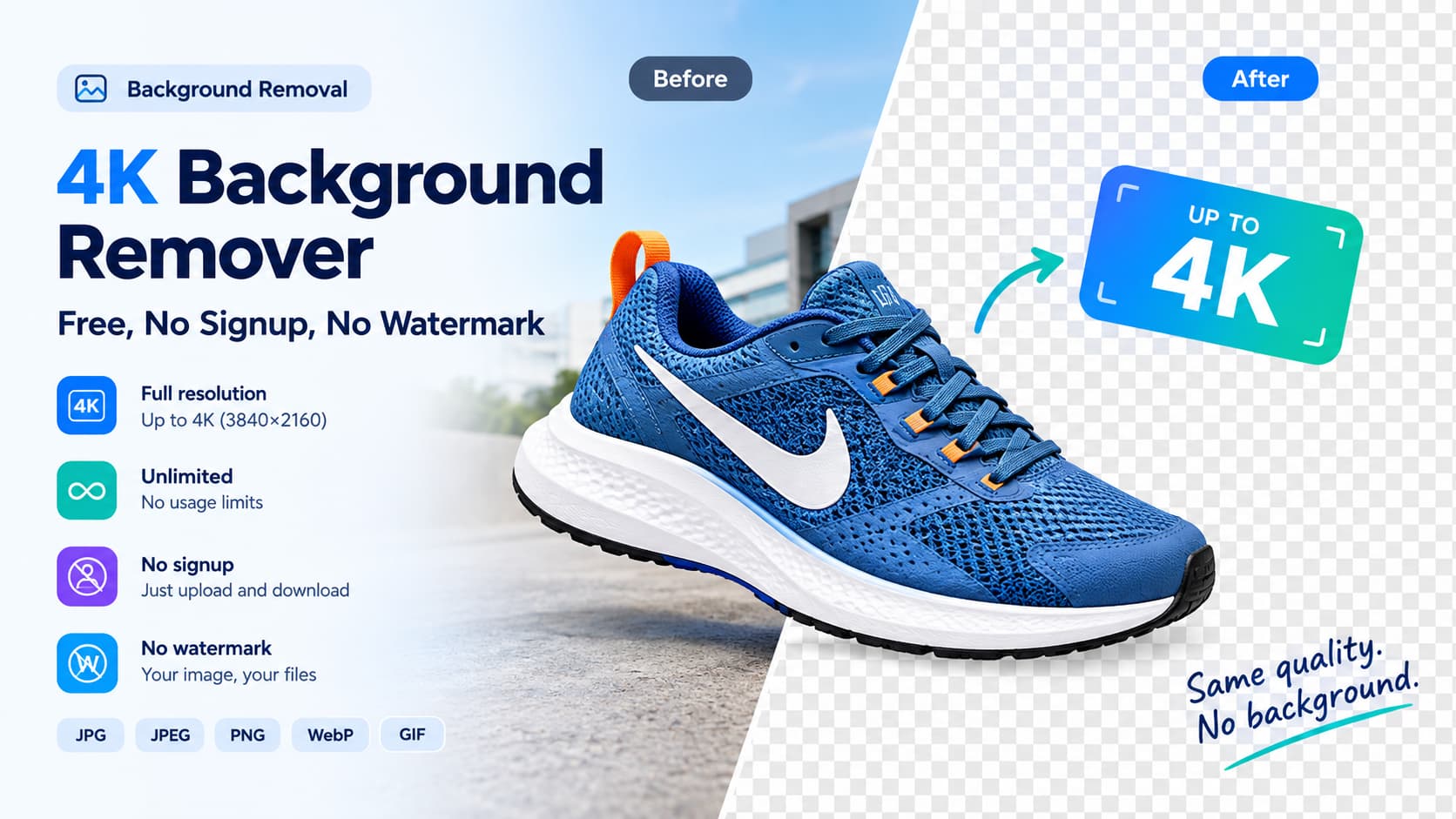
The headline feature of a 4K background remover is that a 4K photo comes back as a 4K transparent PNG.
- FileConv removes the background at your image's full resolution — up to 4K (3840×2160) — and exports it there, for free. It does not down-scale to a 1080p ceiling and then charge to "upgrade" the resolution.
- remove.bg and Erase.bg can reach high resolution, but the full-resolution / upscaled output is the paid tier, not the free download.
If your goal is a clean, un-watermarked, full-resolution cutout without buying credits, FileConv gives that on the free tier.
Which is best for 4K?
- Free, no signup, no watermark, full-resolution up to 4K: FileConv.
- Fast, famous, credit-based full-res: remove.bg.
- AI removal with credit-based high-res: Erase.bg.
For most people who just want to remove a background in 4K and download the real file, FileConv is the shortest path: upload, remove, download a 4K PNG.
FAQ
Does FileConv give a free 4K download? Yes. It exports at your original resolution — full-resolution, up to 4K — with no watermark, no signup, and no credit limit.
Is remove.bg's free download full-resolution and un-watermarked? No. remove.bg's free download is watermarked and smaller; full-resolution and upscaled exports are sold as credits.
Do I need an account to use FileConv? No — there's no signup, and every download is watermark-free.
Can I really remove a background in 4K for free? Yes. See how to remove a background in 4K without losing quality and the 4K background remover overview.
Try FileConv now → Remove a background in 4K for free