Image Editing & Conversion Guides
Learn how to remove image backgrounds, compress images, convert formats, and improve your images with free online tools.
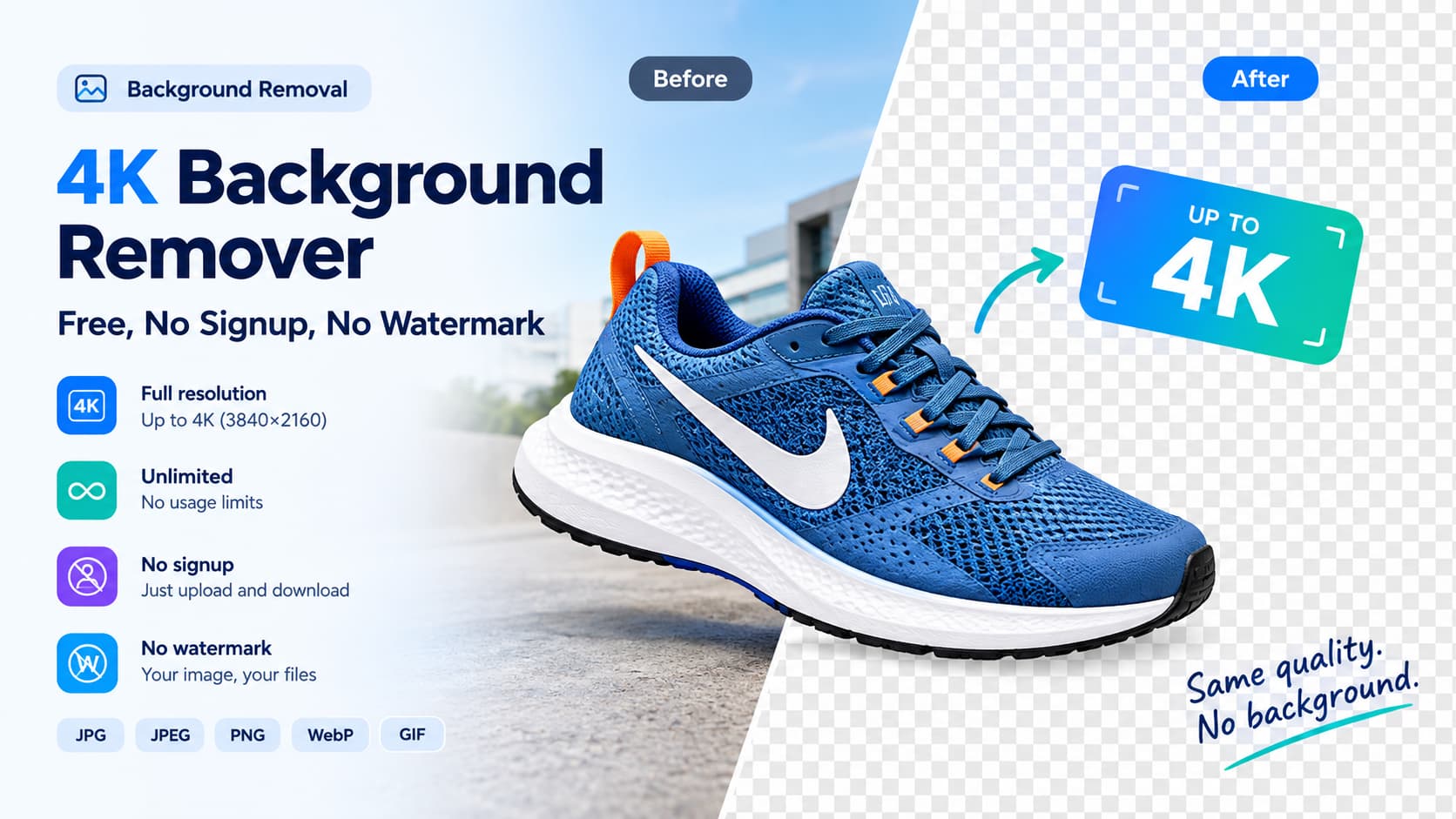
4K Background Remover (Free, No Signup) — 2026
Remove a background in 4K, free. FileConv is a 4K background remover that exports a full-resolution, up-to-4K transparent PNG — no signup, no watermark, unlimited.
Read more
Best Free Image Background Remover Online in 2026
Remove image backgrounds online for free with FileConv. Get high-quality transparent PNGs in up to 4K without signup, registration, watermarks, or usage limits.
Read more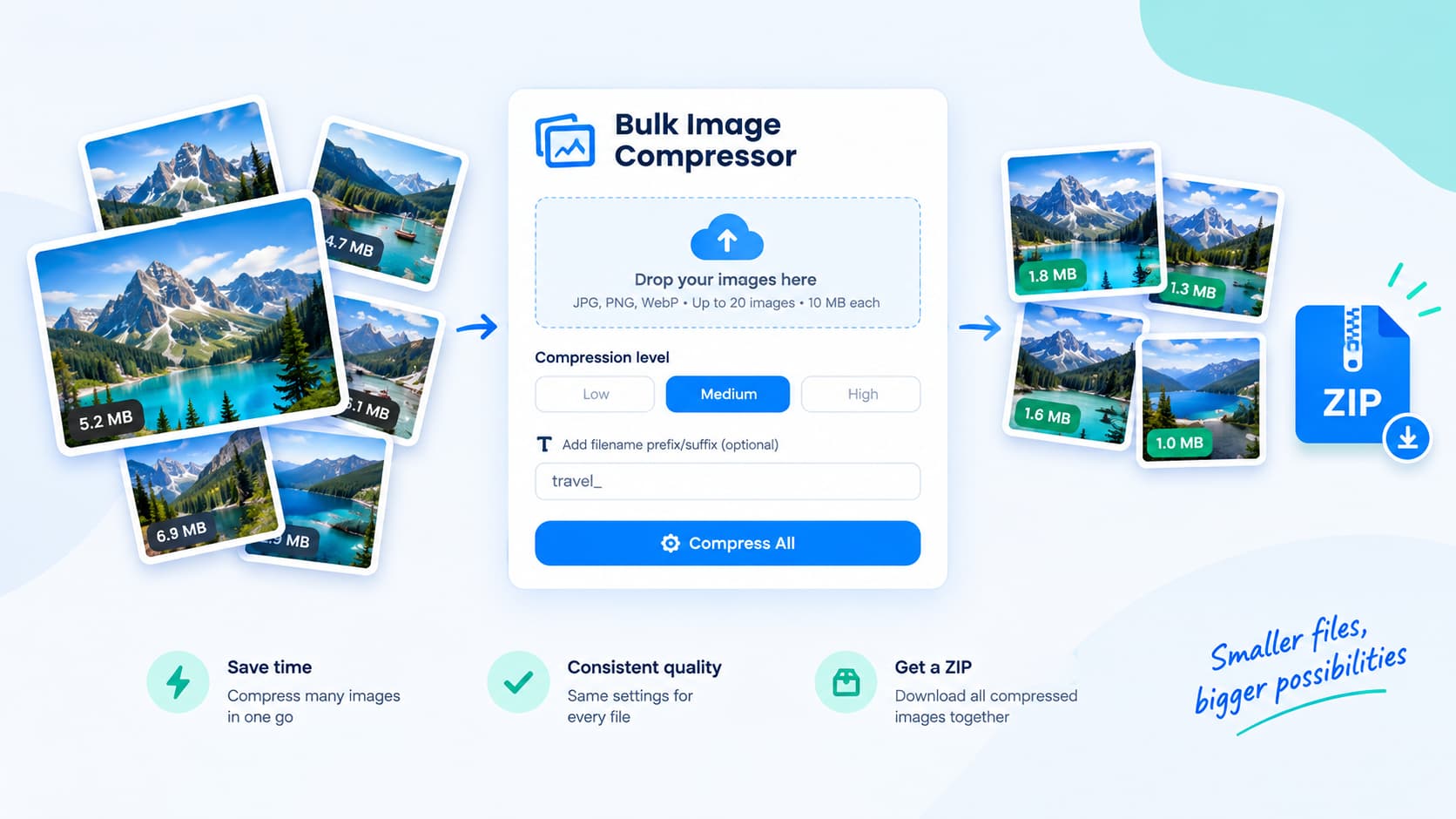
Bulk Image Compressor: How to Compress Multiple Images at Once (2026 Guide)
A bulk image compressor compresses many photos in one batch. Learn how to compress multiple images at once, which settings to use, and what file-size reduction you can realistically expect.
Read more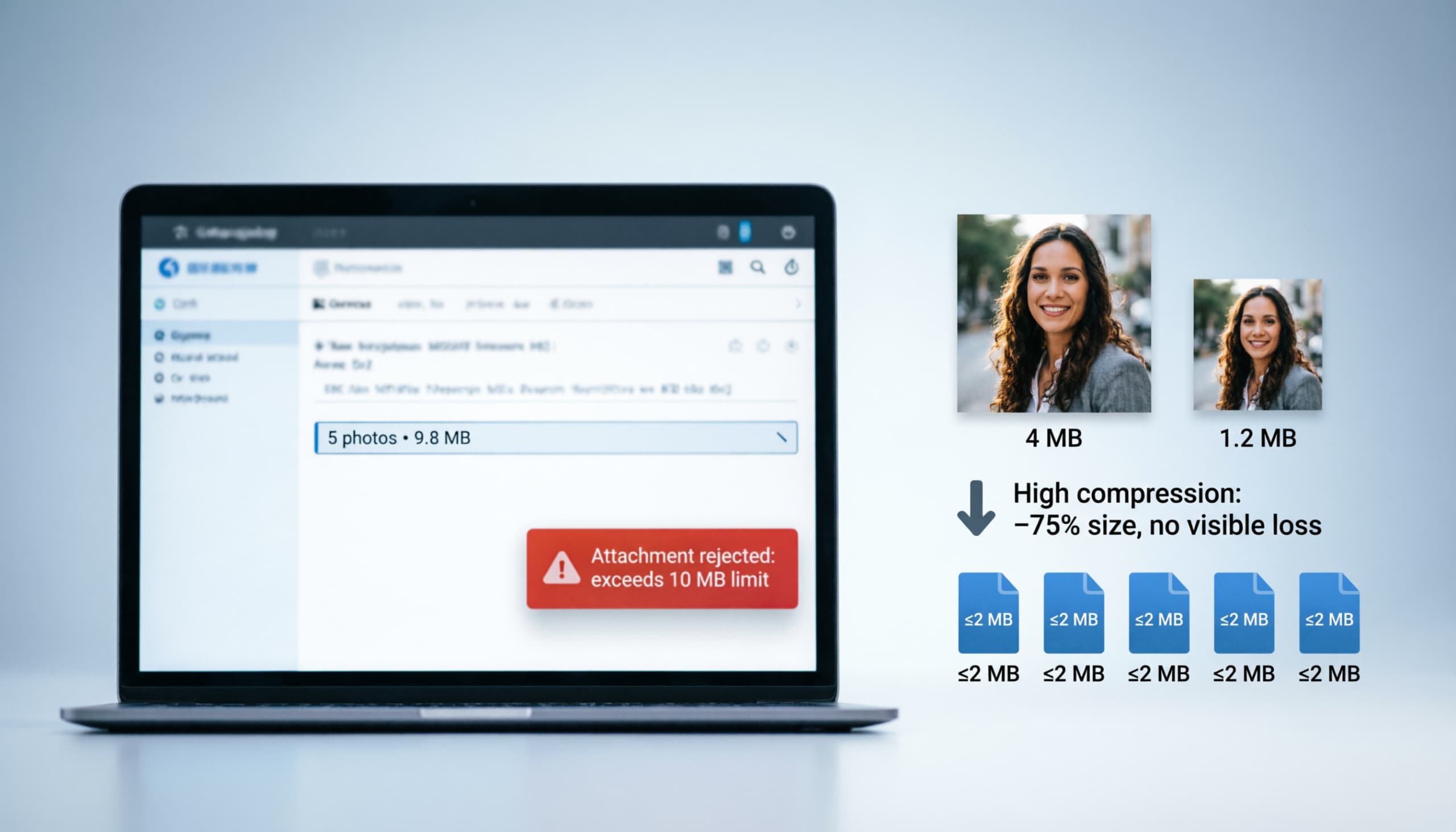
How to Compress Images for Email Attachments (Stay Under the Limits)
Email attachments have hard size limits. Learn how to compress images for email so a set of photos stays under 2 MB and 10 MB caps without losing usable quality.
Read more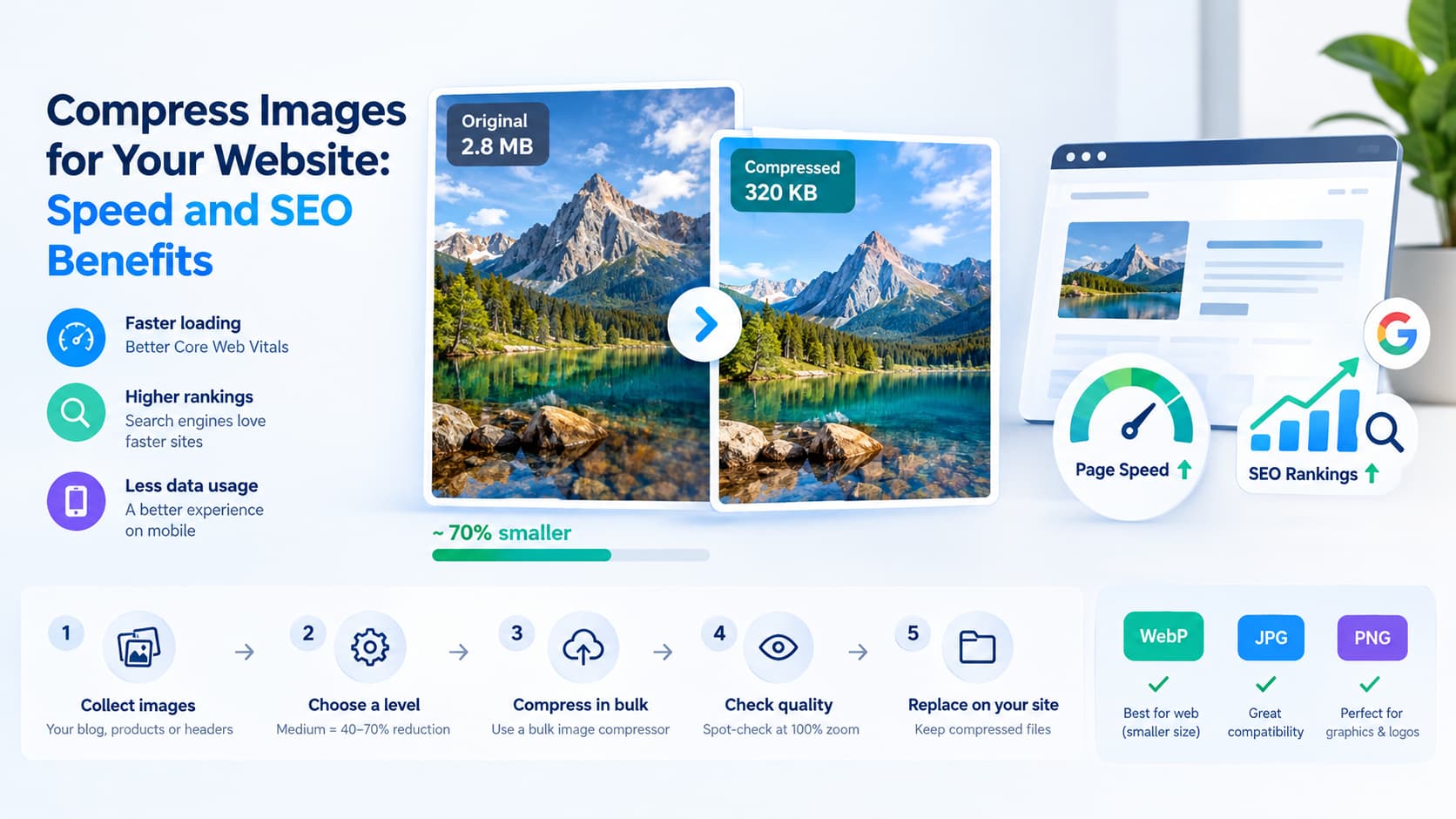
Compress Images for Your Website: Speed and SEO Benefits
Why image size affects page speed and search rankings, how much to compress for web use, and a step-by-step workflow to compress your site image set without losing quality.
Read more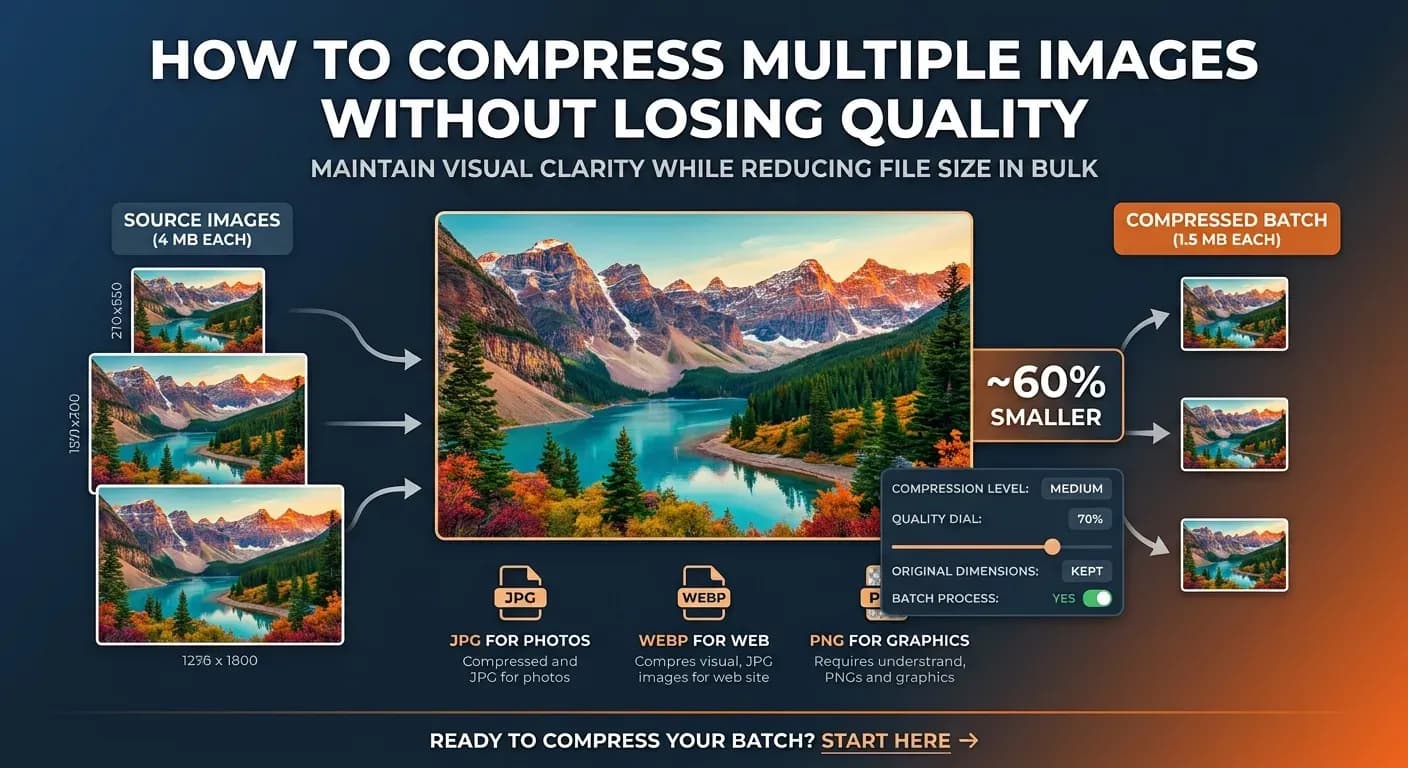
How to Compress Multiple Images Without Losing Quality
Compressing a batch of images should not mean accepting blurry results. Here are the settings, formats, and habits that keep every image sharp while it gets smaller.
Read more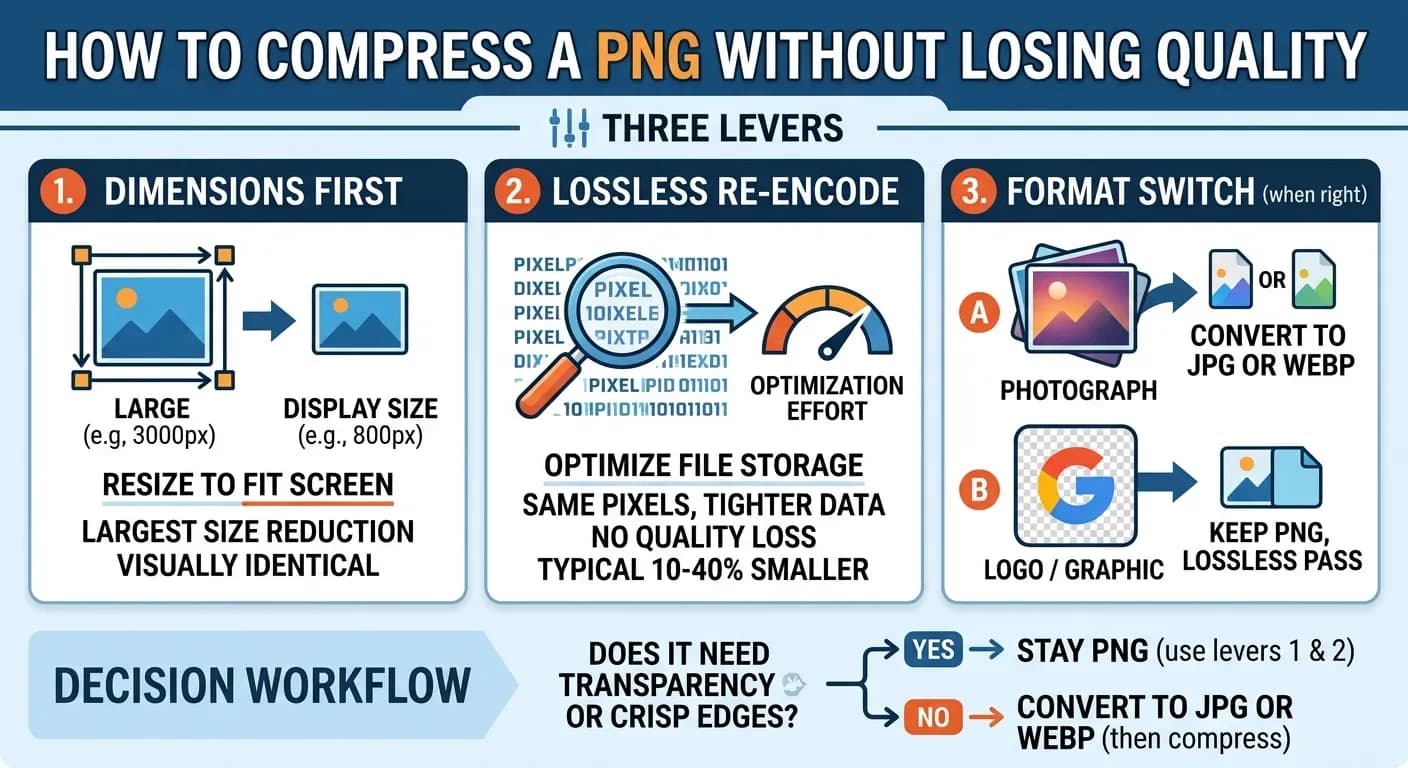
How to Compress a PNG Without Losing Quality
PNG has no quality slider, so compression feels impossible. Here are the three levers that actually make a PNG smaller — in the right order — and when converting format is the real fix.
Read more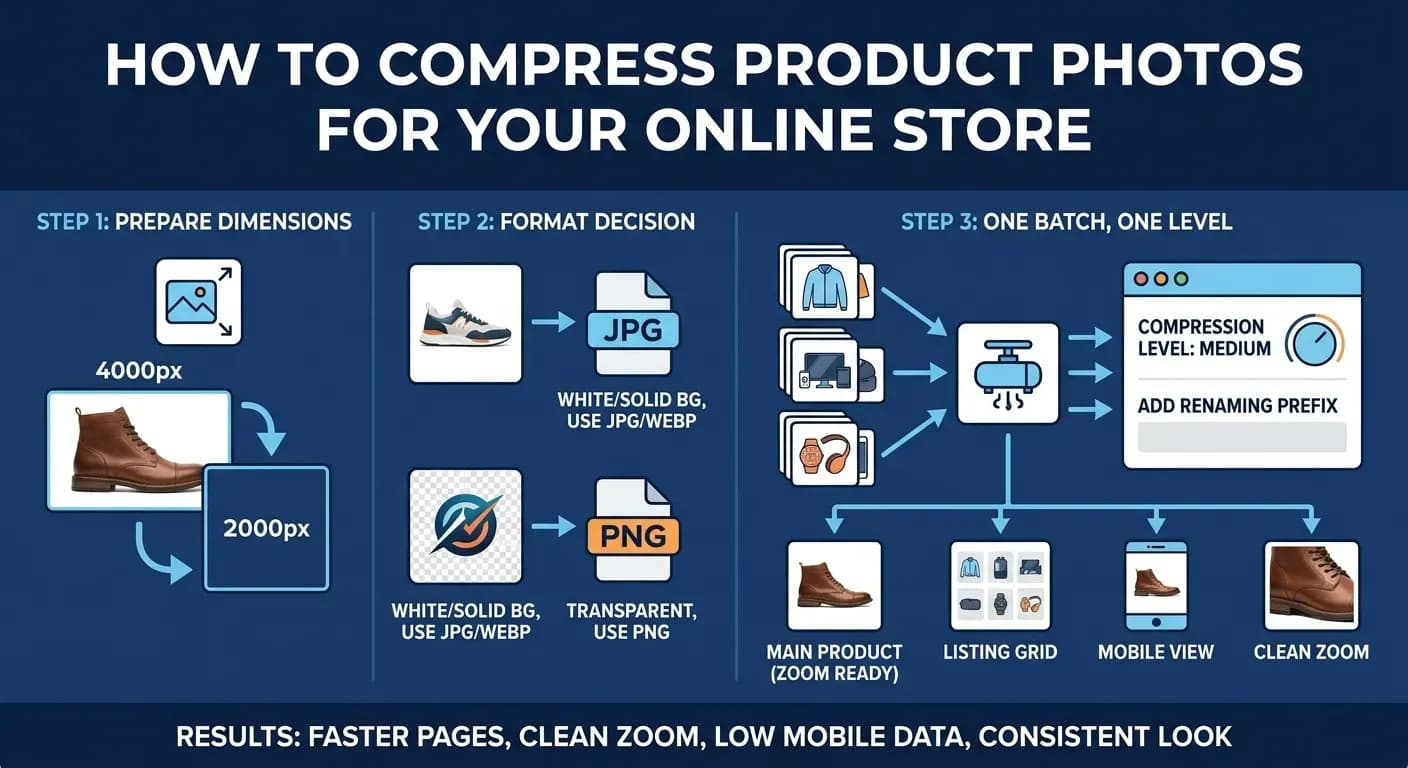
How to Compress Product Photos for Your Online Store
Product images are usually the heaviest files on an ecommerce site. The target sizes, the format decision, and a batch workflow for a catalog that loads fast and still zooms clean.
Read more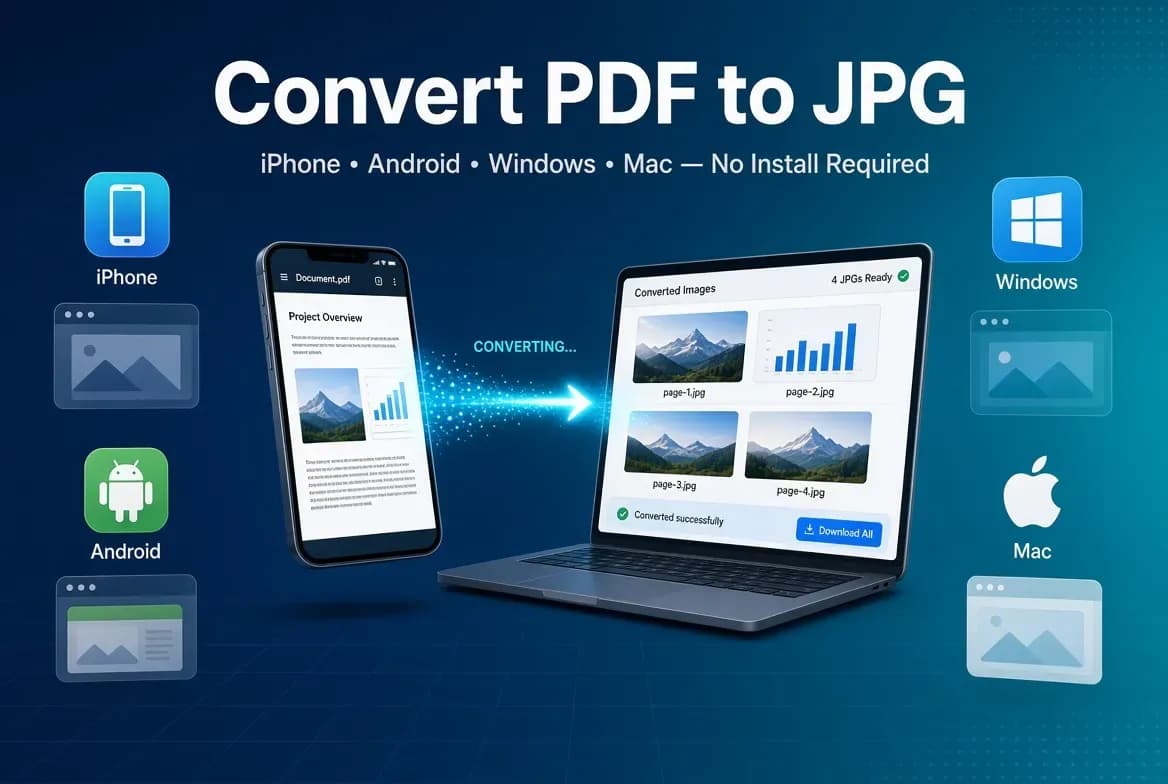
How to Convert PDF to JPG on iPhone, Android, Windows & Mac
Convert a PDF to JPG on your phone or computer without installing anything. Step-by-step methods for iPhone, Android, Windows, and Mac — plus the fastest online option that works everywhere.
Read more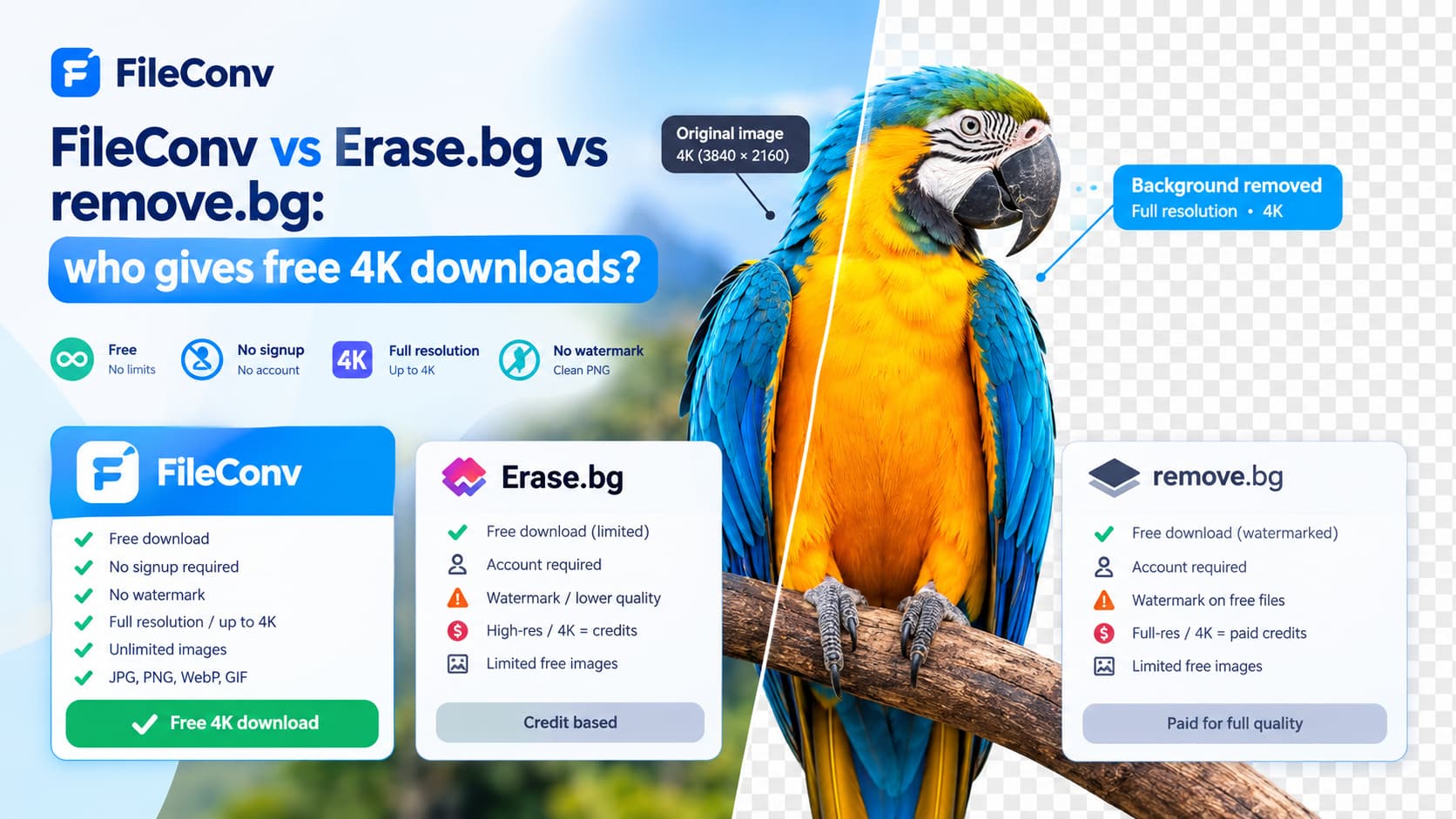
FileConv vs Erase.bg vs remove.bg: who gives free 4K downloads?
Comparing FileConv, Erase.bg, and remove.bg for free 4K background removal. FileConv exports a full-resolution, up-to-4K transparent PNG — free, no signup, no watermark, unlimited.
Read more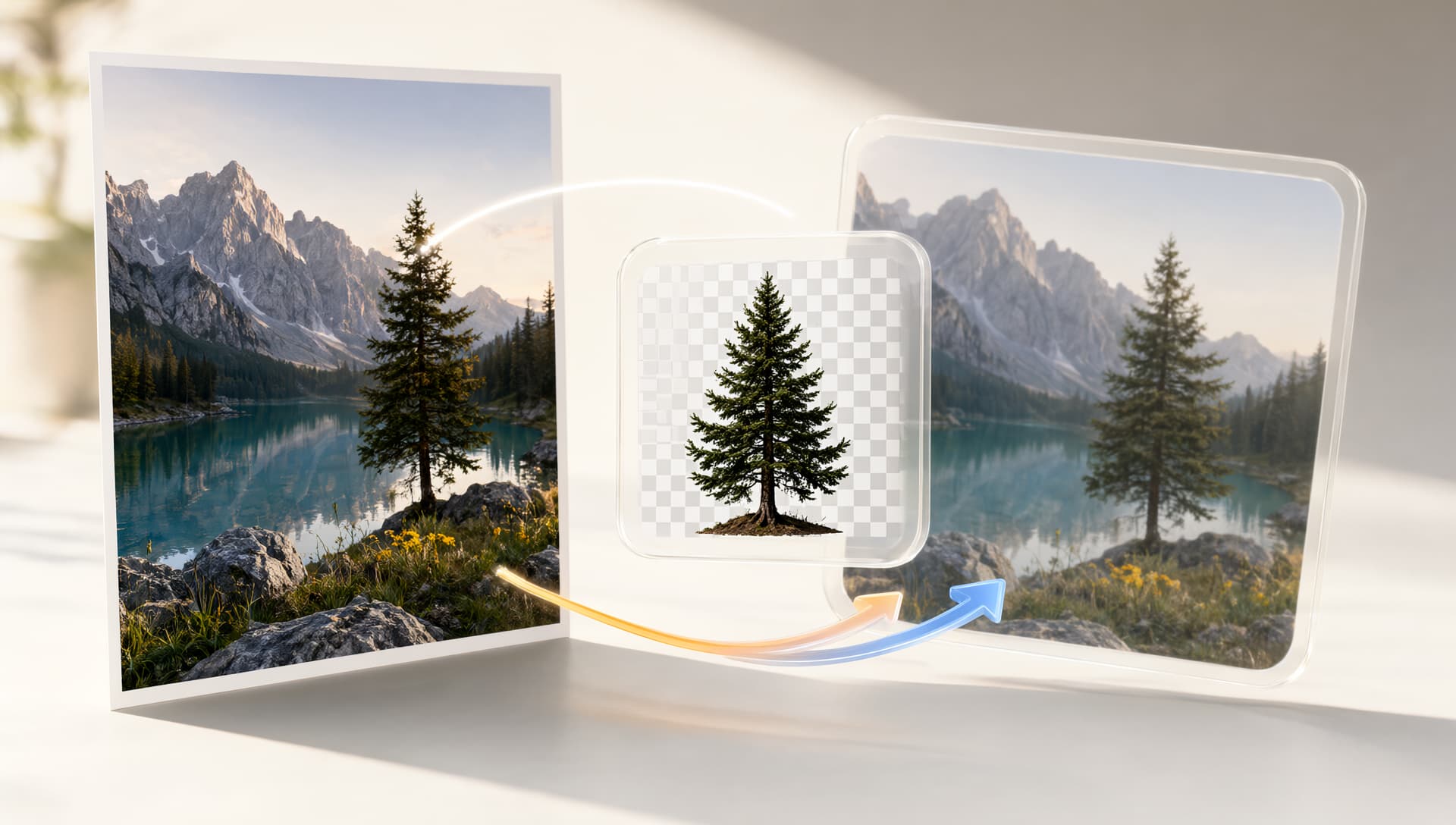
Free Online Image Format Converter - JPG, PNG, WebP 2026
Convert JPG, PNG, and WebP images online for free. Learn which image format to choose for photos, transparent graphics, websites, and high-quality exports.
Read more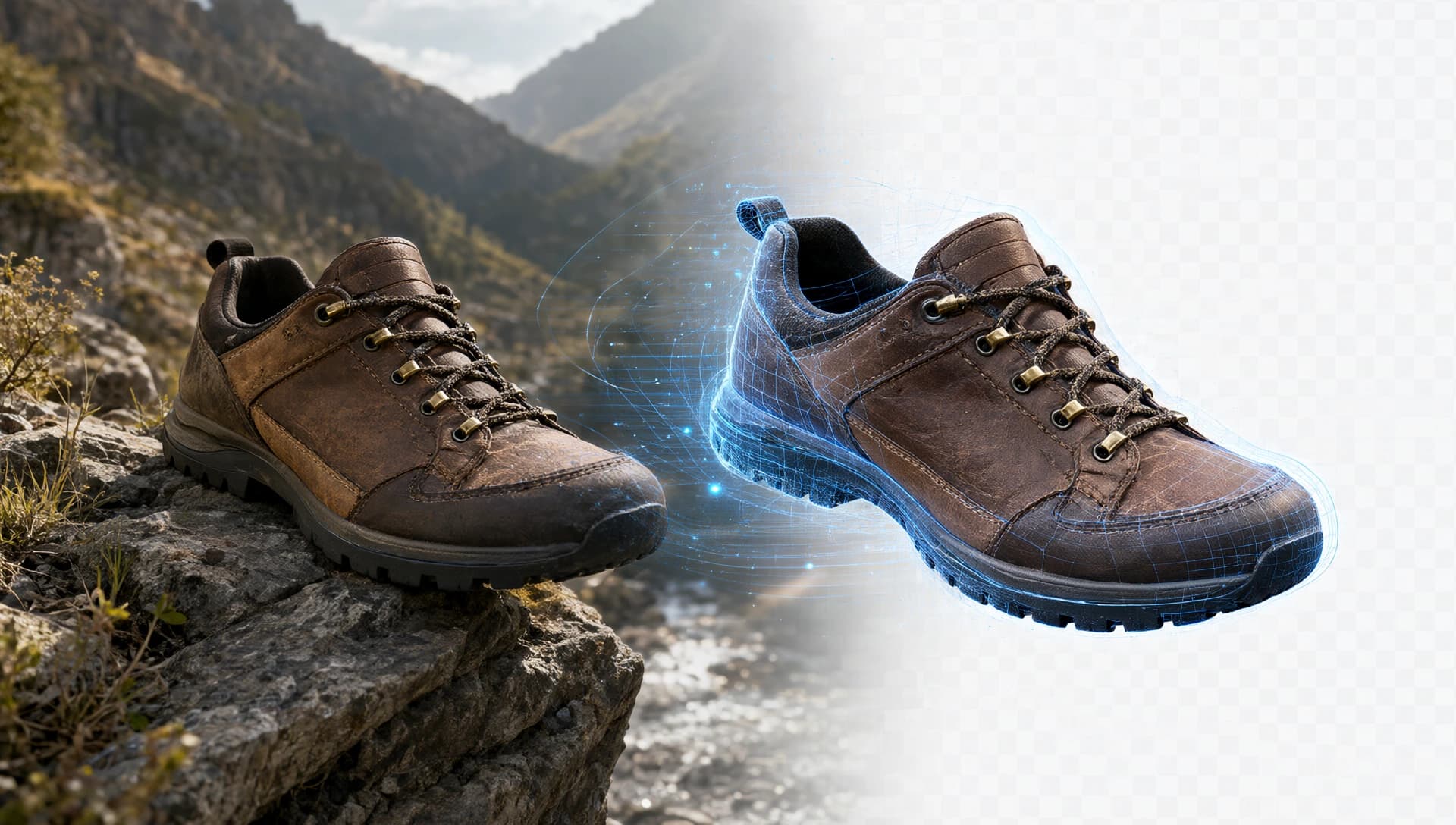
How AI Image Background Removal Works: A Complete Guide for 2026
Learn how AI image background removal works, how modern models detect subjects and refine edges, and how to get professional results from an AI background remover.
Read more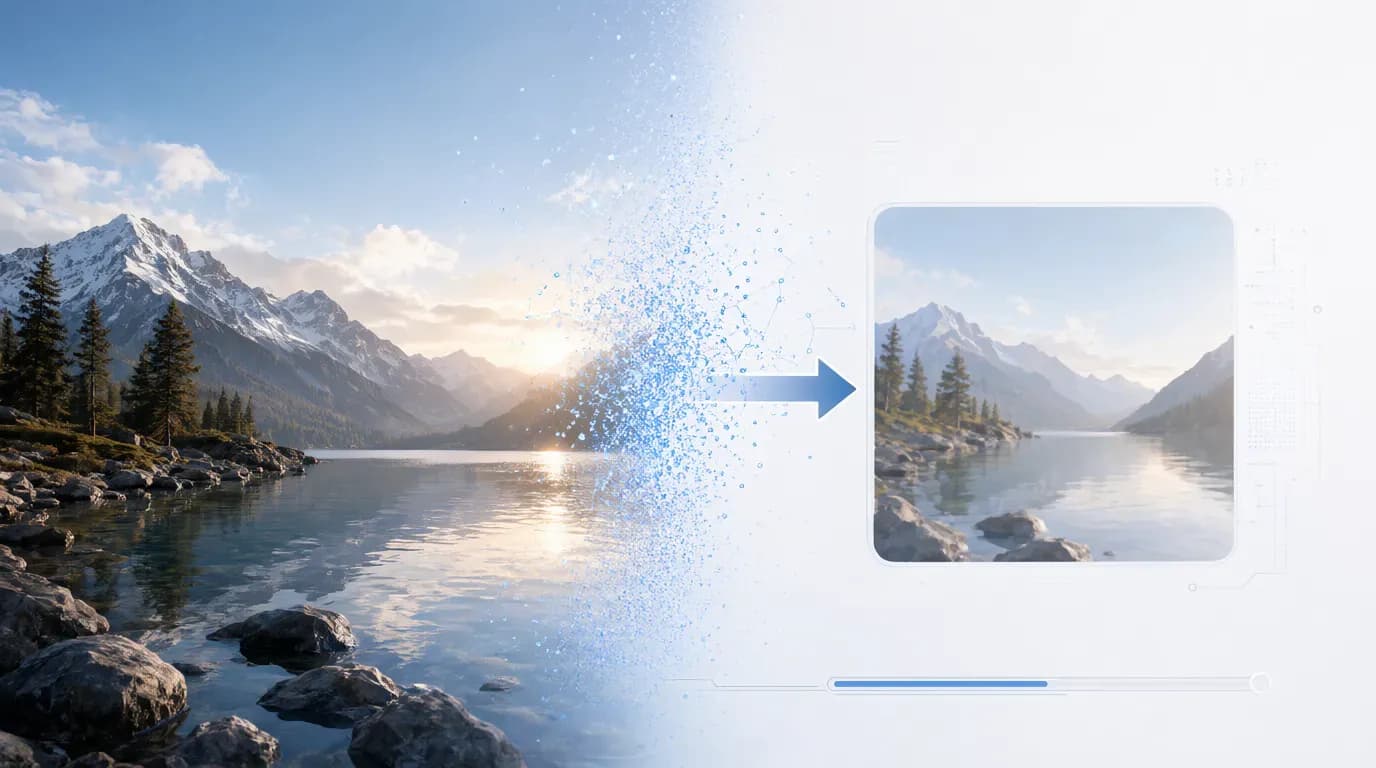
How to Compress Images Without Losing Visible Quality
Learn how to compress images without losing visible quality. Discover how file format, image dimensions, quality settings, and modern image compression can reduce file sizes for websites, email, and online publishing.
Read more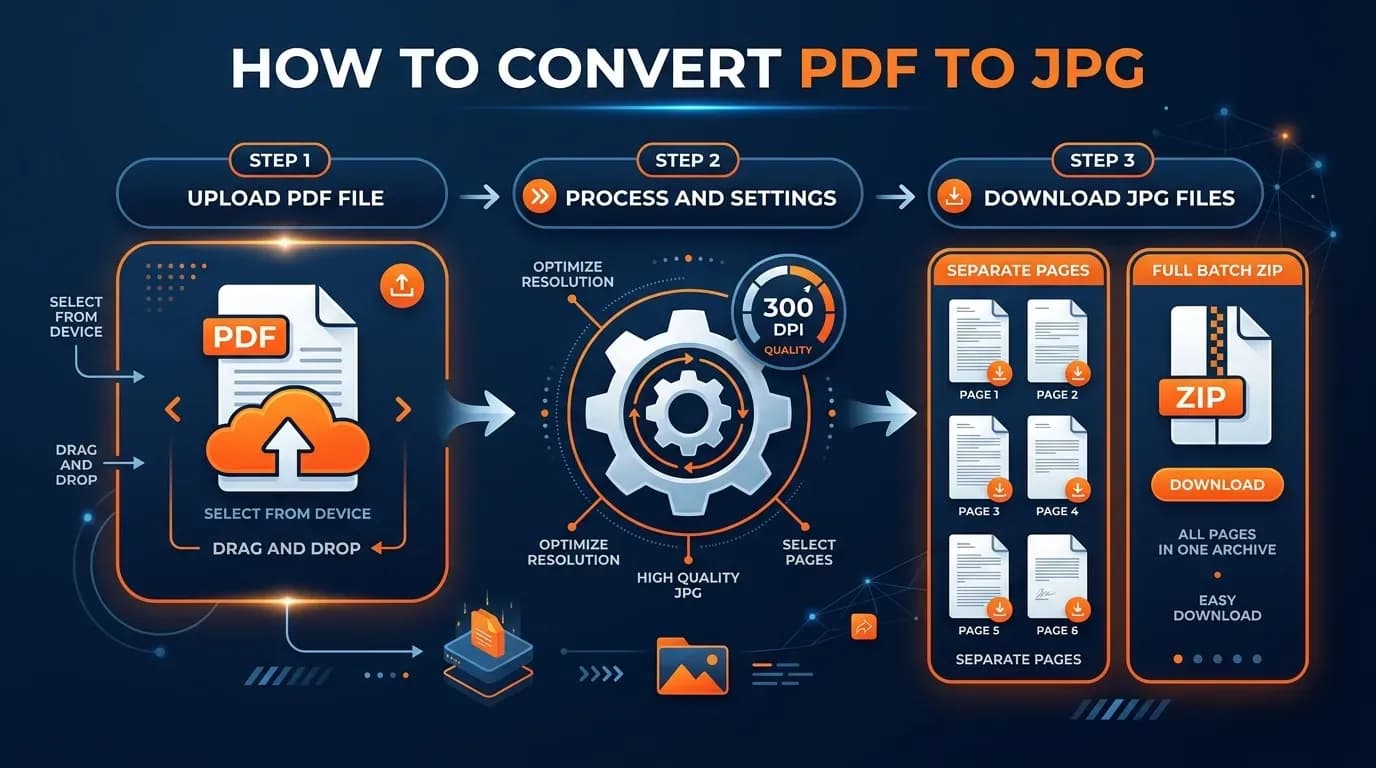
How to Convert PDF to JPG: A Step-by-Step Guide
Learn how to convert a PDF to JPG in seconds — free, online, and on any device. This step-by-step guide covers the fastest method, what 300 DPI means, and the mistakes that make files blurry.
Read more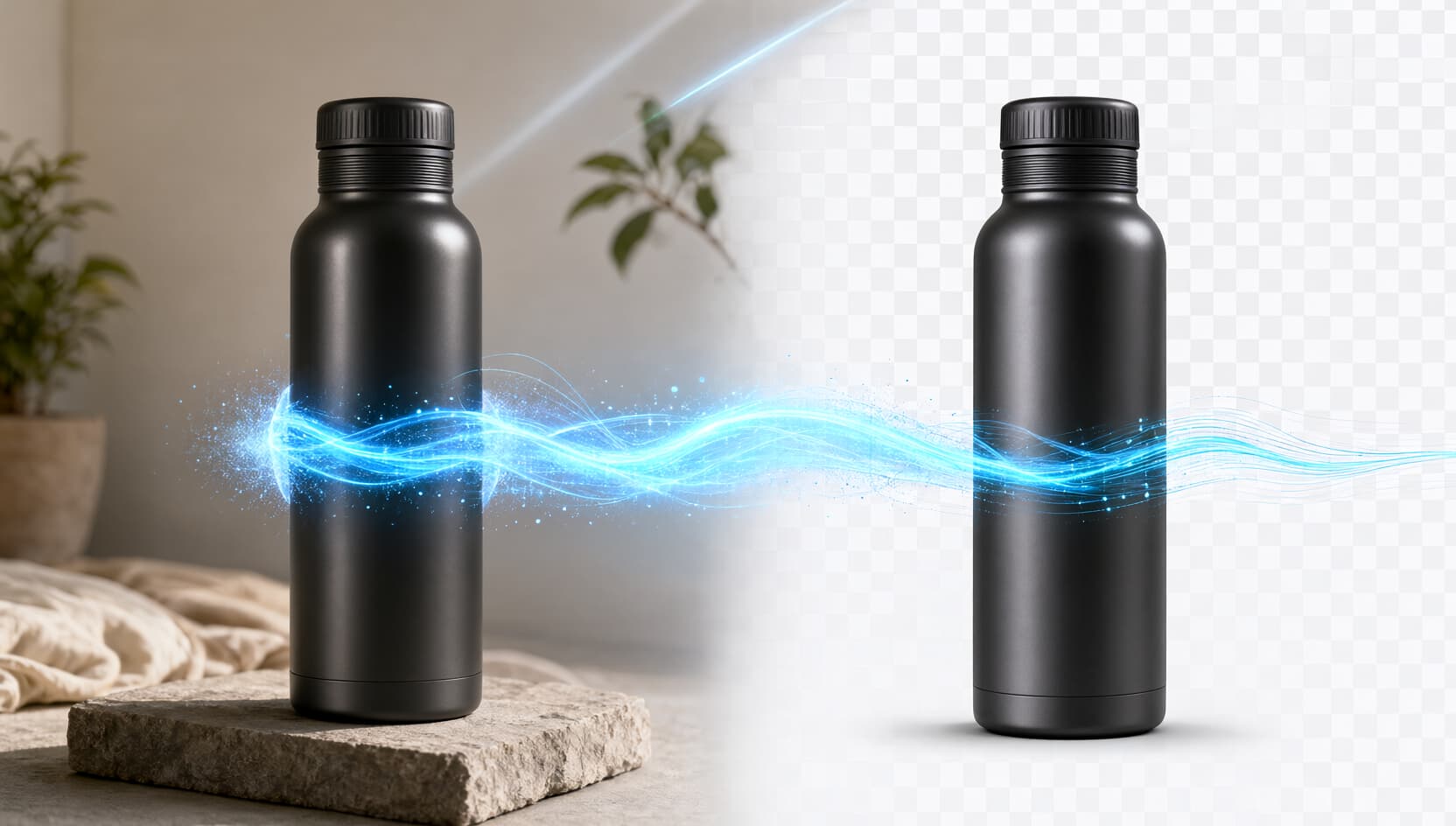
How to Remove the Background from an Image Online for Free
Learn how to remove the background from an image online with AI. Create a clean transparent PNG, refine edges, add new backgrounds, blur, shadows, and more.
Read more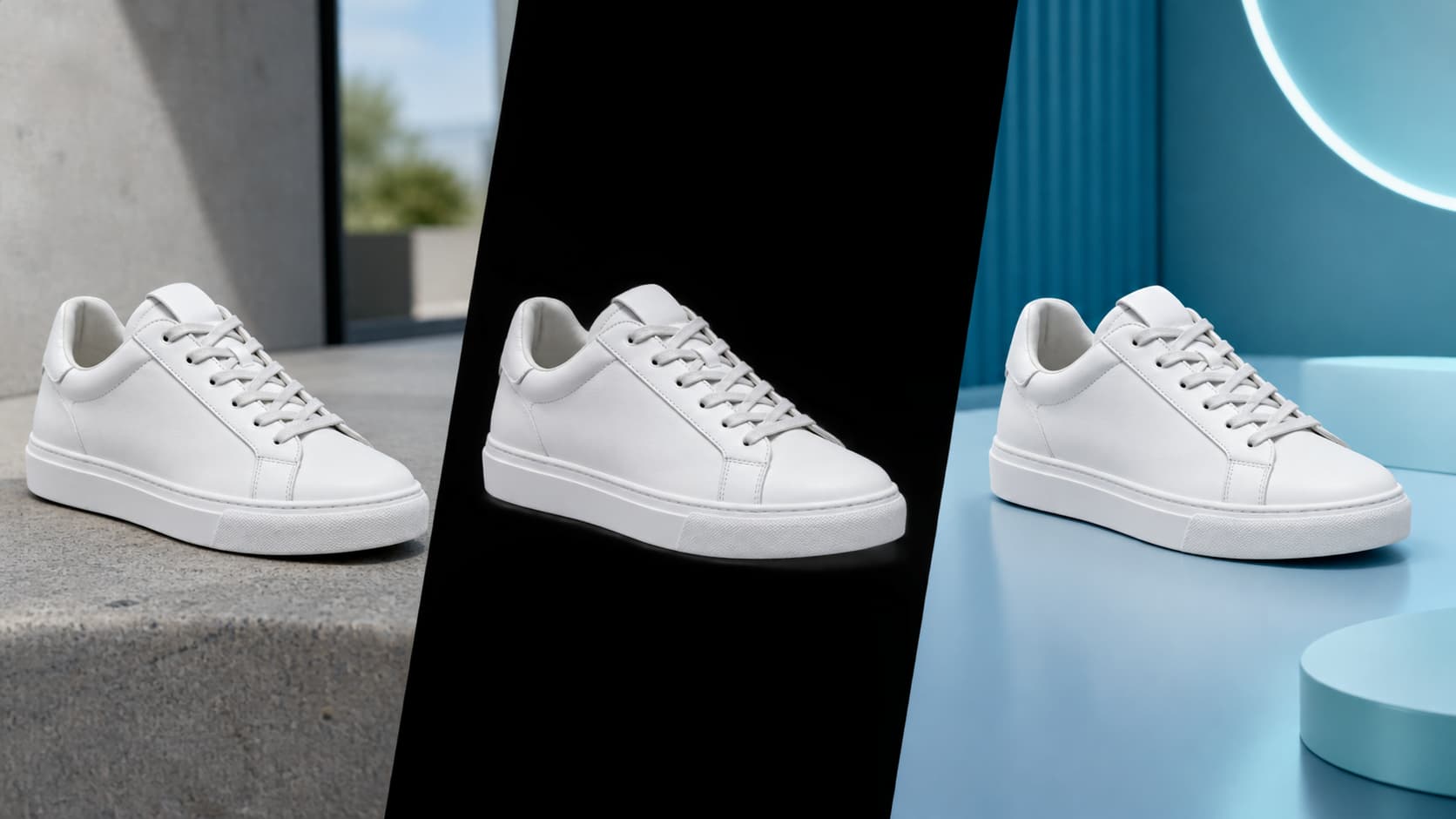
The Complete Guide to Removing Image Backgrounds Online (2026)
Learn how to remove image backgrounds online with AI, create transparent PNGs, replace backgrounds, refine cutouts, and edit product photos without complicated software.
Read more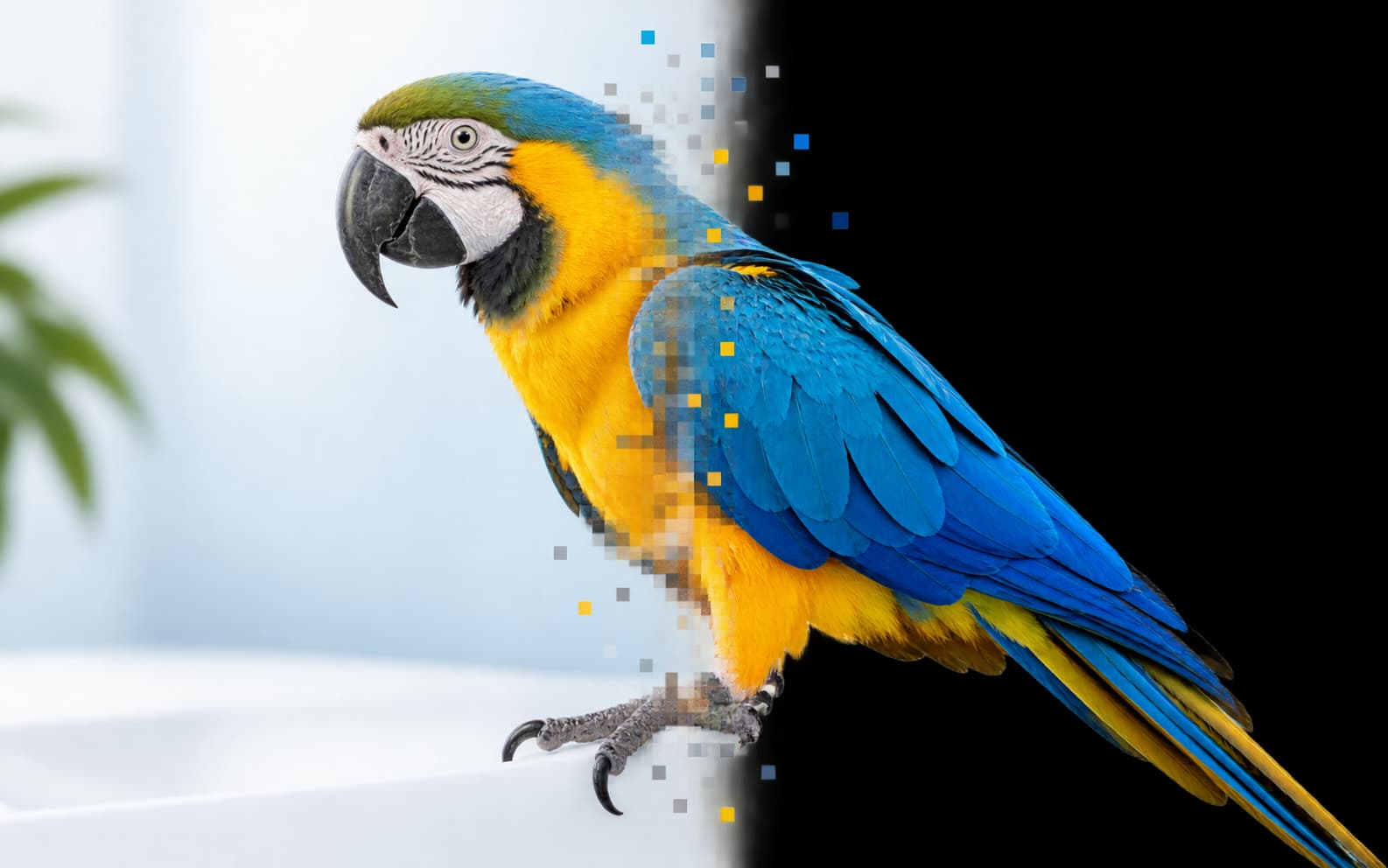
JPG vs PNG: Which Image Format Should You Use?
JPG vs PNG explained: learn the differences between JPG and PNG compression, quality, transparency, file size, and the best format for photos, graphics, logos, and websites.
Read more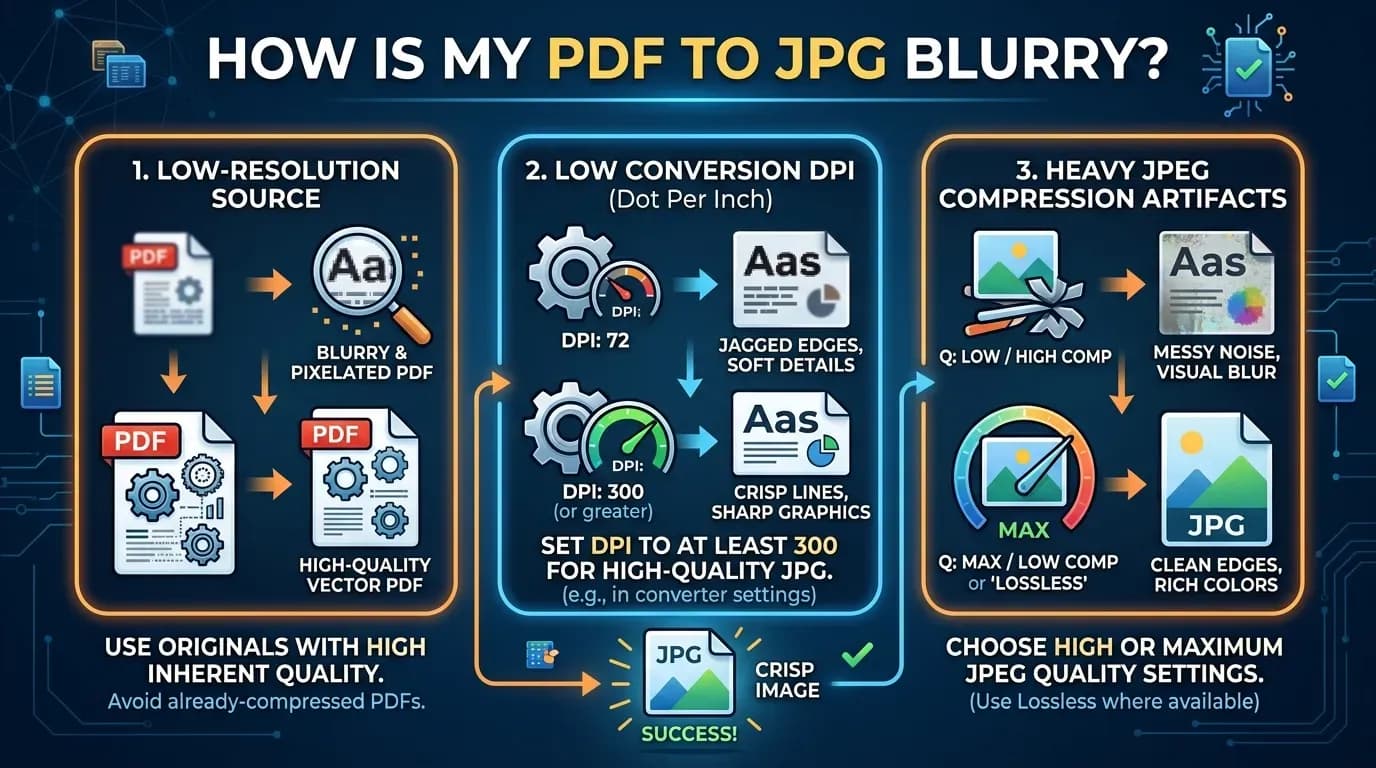
Why Is My PDF to JPG Blurry? How to Fix Low-Quality PDF Images
Your PDF to JPG came out blurry or pixelated? Find out the three usual causes — low source resolution, low DPI, and heavy compression — and the exact fixes for crisp, print-ready images.
Read more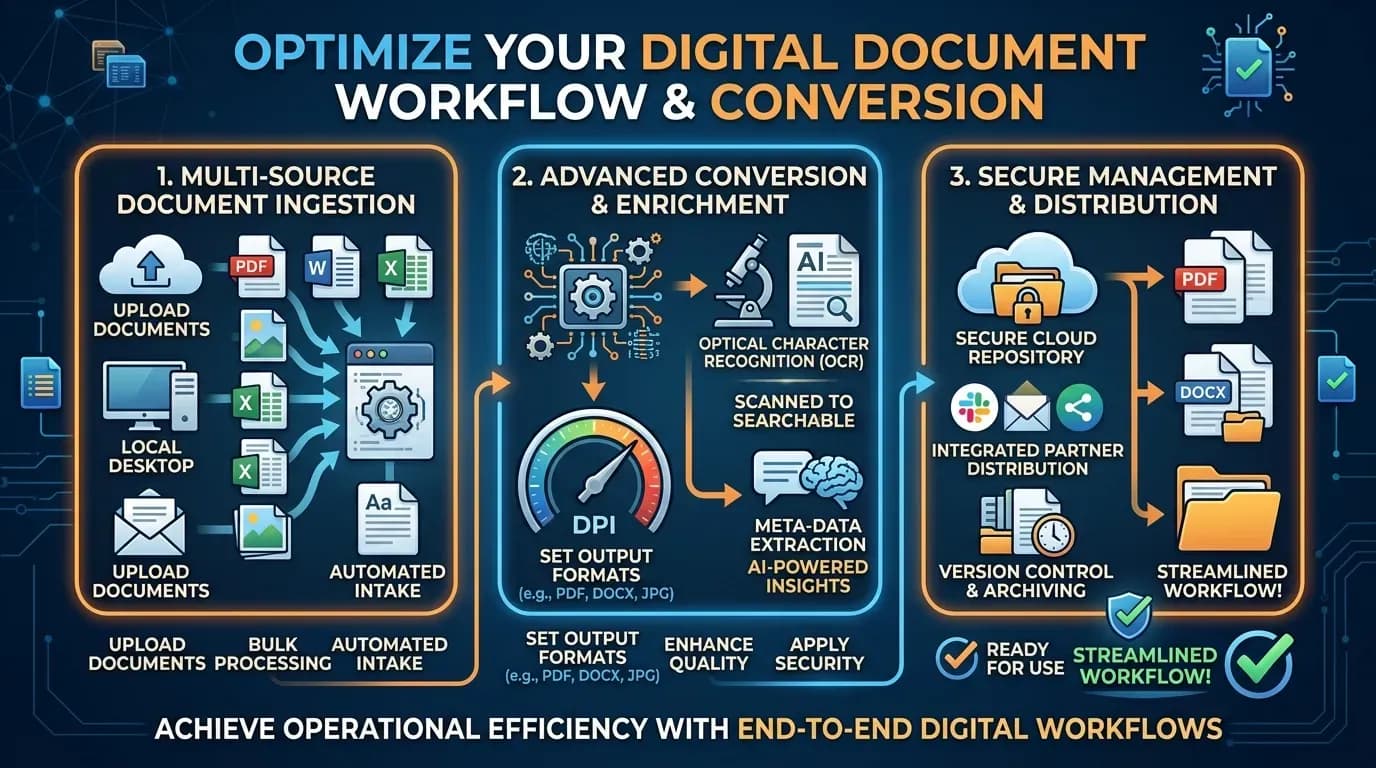
What DPI Should I Use for PDF to JPG? 150 vs 300 vs 600
Confused by DPI when converting PDF to JPG? Here is what DPI means, when 150, 300, or 600 DPI is the right choice, and why 300 DPI is the default for screen and print.
Read more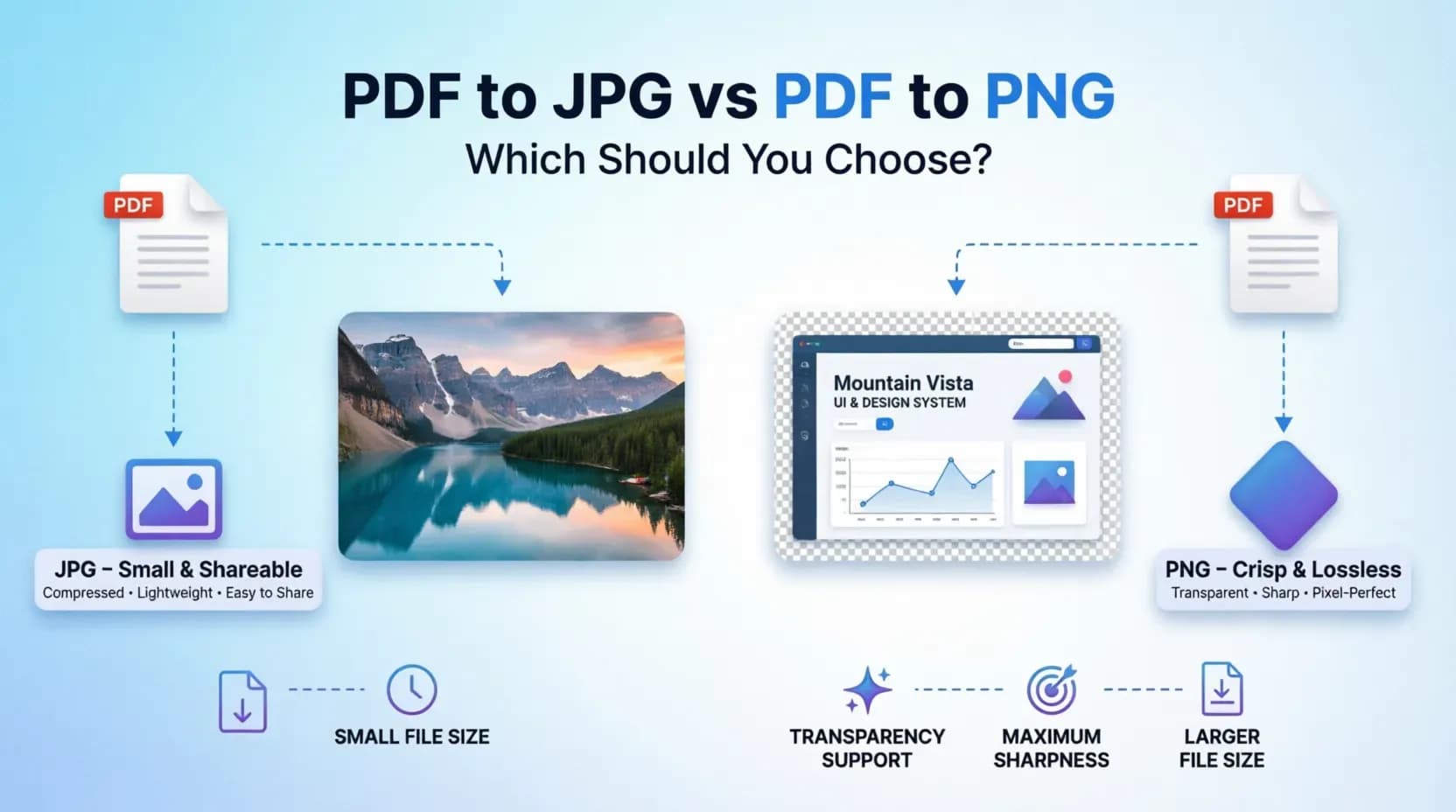
PDF to JPG vs PDF to PNG: Which Should You Choose?
JPG or PNG after converting a PDF? Compare file size, quality, transparency, and sharpness to pick the right output format for photos, text, screenshots, and the web.
Read more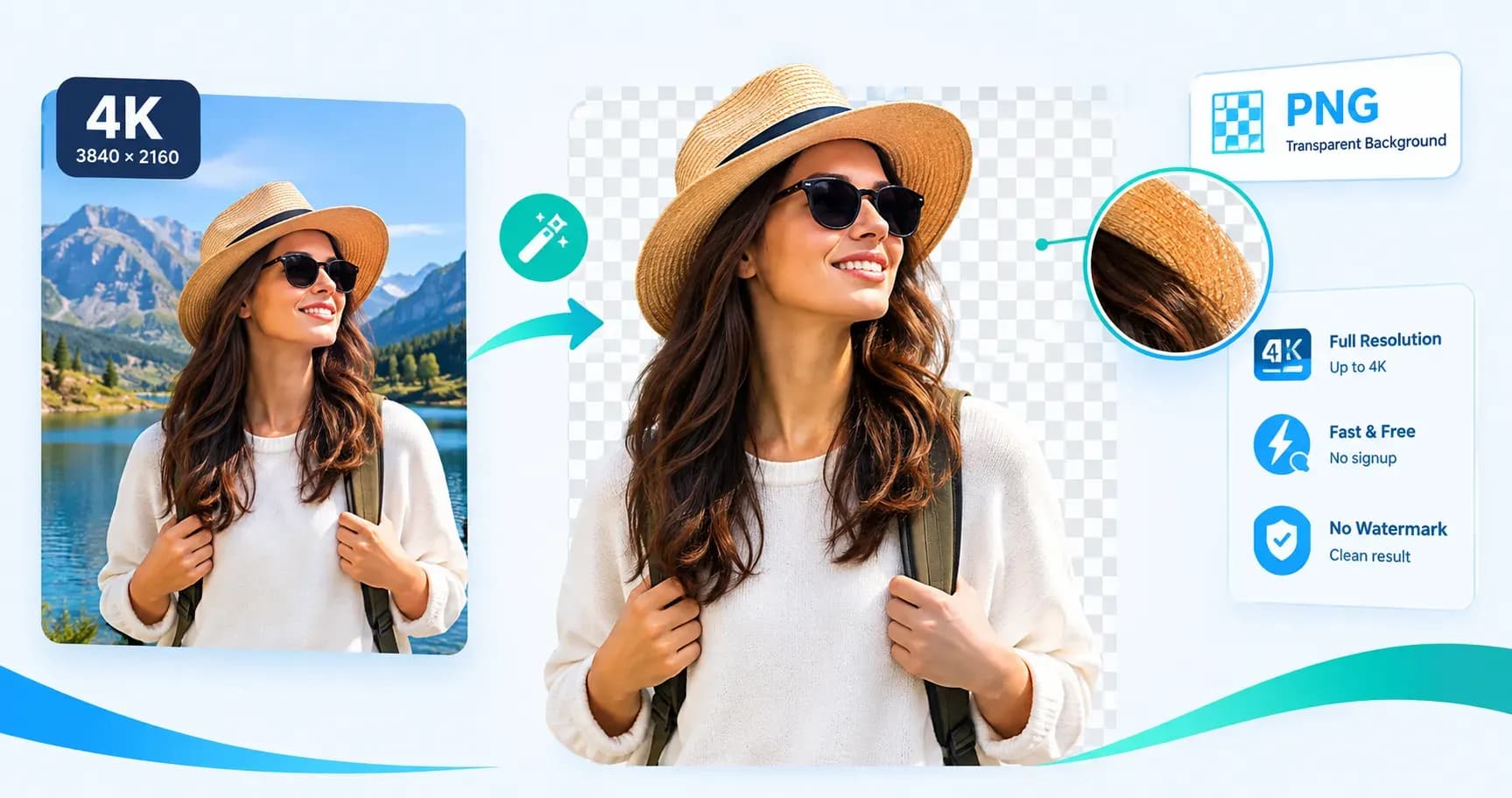
How to Remove a Background in 4K (Without Losing Quality)
Remove a background in 4K in three steps and keep every pixel. FileConv removes the background at your image’s full resolution — up to 4K — and exports a crisp transparent PNG, free.
Read more