Background Remover Without Losing Quality
Remove the background from any photo and keep the full resolution, crisp edges, and every detail. Free, up to 4K, no sign-up, no watermarks.
Remove the Background, Keep the Quality
Most background removers shrink your image or soften the edges. This one keeps the original resolution and rebuilds clean, sharp edges, so your cutout looks as good as the source — only without the background.
Full-Resolution Output
Your image is processed and downloaded at its original size, up to 4K. No downscaling, no forced compression.
Clean, Sharp Edges
The AI detects fine details like hair, fur, and product outlines, so the cutout keeps crisp edges instead of a blurry halo.
Transparent PNG, No Watermark
Download a lossless transparent PNG with no watermark, no sign-up, and no limit on how many images you process.
Every Pixel Kept, From Upload to Download
Quality loss usually happens when a tool resizes your image or re-compresses it. Here the cutout stays at full resolution and is exported as a lossless PNG, so the subject keeps the same detail it had in the original photo.
How to Remove an Image Background in 3 Quick Steps
Upload Your Photo
Drag-and-drop any JPG, PNG, WebP, or GIF, crisp edges help our AI lock onto the subject for flawless results.
Let the AI Work
In a few seconds our cloud engine cut the background automatically
Download your image
Grab your new high-resolution PNG with a transparent background, then rate the result so we can keep improving the tool.
More Than an Image Background Remover
After removing the background, you can:
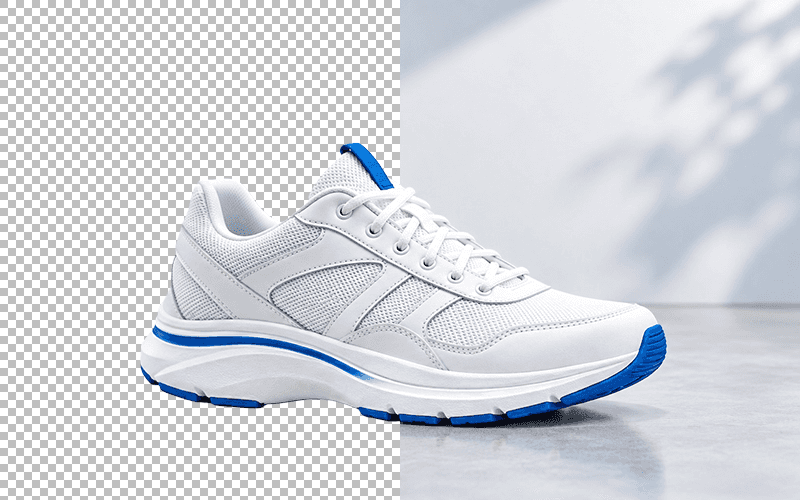
Export a transparent PNG
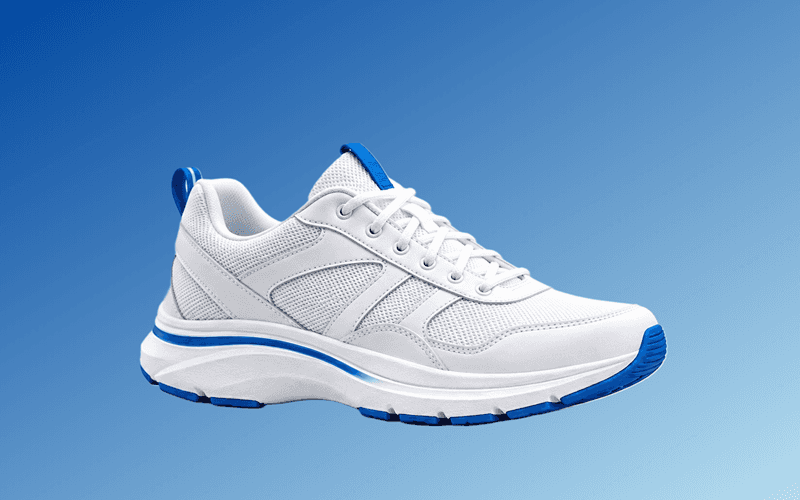
Change the background color
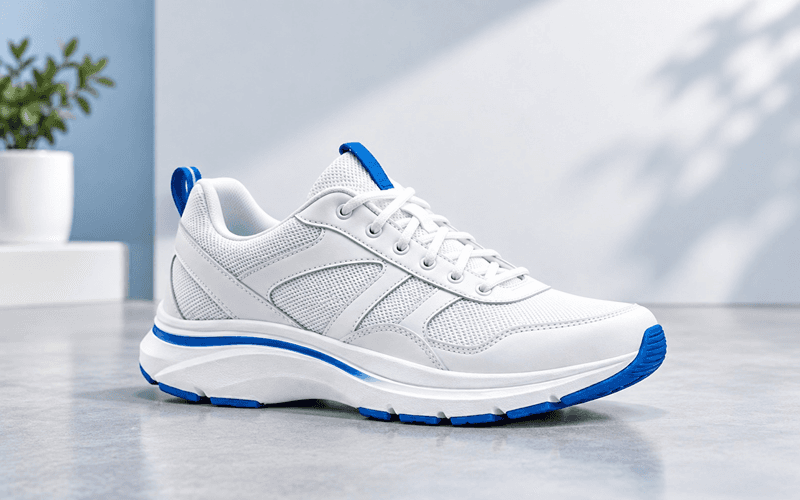
Change the background image
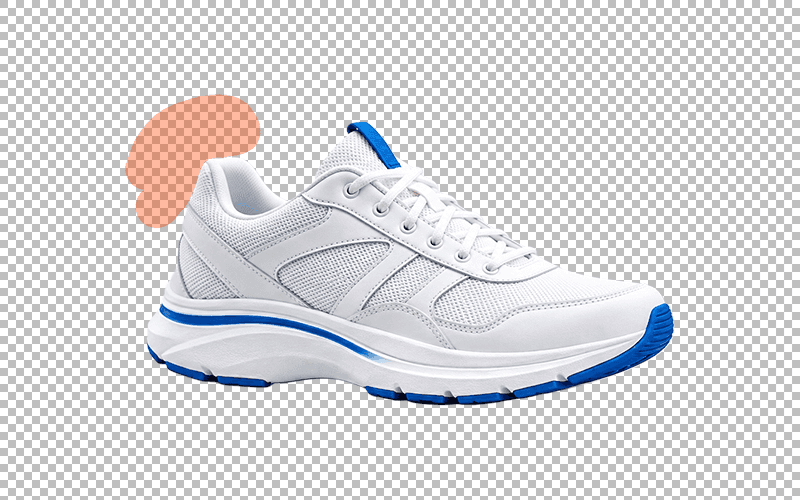
Refine the cutout with a brush
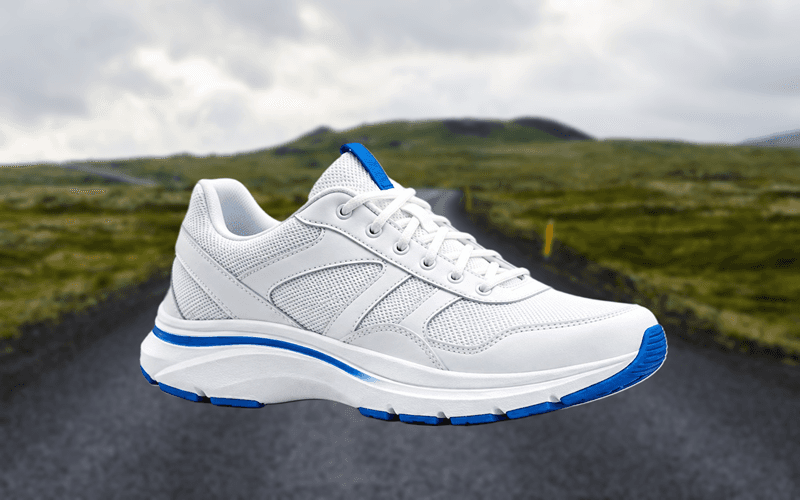
Blur the background
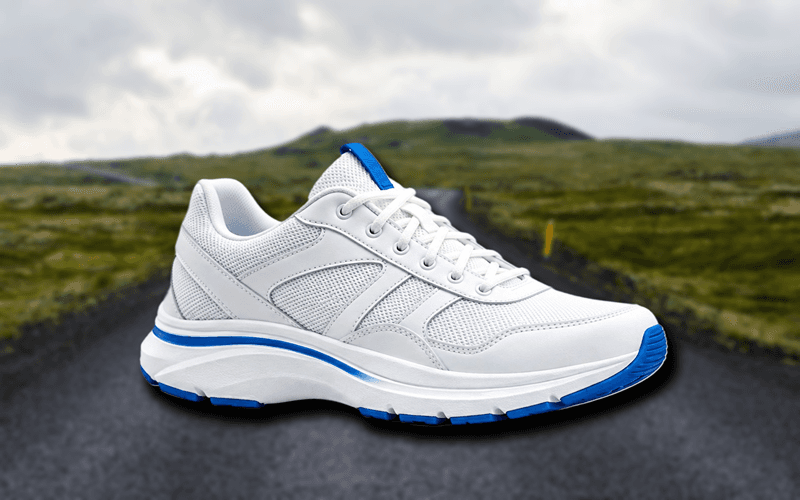
Add a drop shadow
Perfect for Product Photos, Portraits, Logos, and More


Background Remover Quality FAQAnswers to common questions about removing a background without losing quality
Does removing the background reduce image quality?
No. The tool keeps your original resolution and exports a lossless transparent PNG, so the subject is not downscaled or re-compressed. Only the background pixels are removed.
What resolution can I download?
You can download at the full resolution of your source image, up to 4K. There is no forced downscaling, so a high-resolution photo stays high resolution.
Is the output a PNG or a JPG?
The default output is a transparent PNG because PNG is lossless and supports transparency. If you need a JPG, you can convert the PNG afterwards with the free image format converter.
Will the edges look blurry or pixelated?
No. The AI refines the cutout around hair, fur, and fine product edges, so the result keeps clean, sharp edges at the original resolution.
Does the tool compress or resize my upload?
No. Your image is processed at its original dimensions, and the download keeps the same resolution. Nothing is resized or heavily compressed on the way out.
Can I remove a background from a large photo on my phone?
Yes. Processing happens remotely, so even large photos work from a phone, tablet, or desktop. The download keeps the full resolution your device can handle.
Is it really free, and are there watermarks?
Yes. It is completely free, with no sign-up, no watermarks, and no limit on the number of images. You download the full-quality transparent PNG.
How do I keep quality when I replace the background?
After removal, use the built-in editor to add a color, an image, a blur, or a shadow. Edits stay in the browser and the final download remains a full-resolution PNG.
What Our Users Say

Oladepo Boluwatilewato
This is the best ai background remover, i have ever use, and it is 100% free

AvEr Gajixa
One of the best free tools out there, does a really great job of removing backgrounds

Brandon
Searched hard to find a tool that could remove a simple background and NOT leave random whitespace everywhere, while also keeping the HD qualities of the original pic. This is the best tool by FAR for HD pics and complete, consistent removal of backgrounds and its free!

Irshad Multani
very nice i like the way the site help us free of cost

Khan Ikram
best software of graphic design

Imran Rasheed
its outstanding, can be improved adding some enhancement features
Oladepo Boluwatilewato
This is the best ai background remover, i have ever use, and it is 100% free
AvEr Gajixa
One of the best free tools out there, does a really great job of removing backgrounds
Brandon
Searched hard to find a tool that could remove a simple background and NOT leave random whitespace everywhere, while also keeping the HD qualities of the original pic. This is the best tool by FAR for HD pics and complete, consistent removal of backgrounds and its free!
Irshad Multani
very nice i like the way the site help us free of cost
Khan Ikram
best software of graphic design
Imran Rasheed
its outstanding, can be improved adding some enhancement features
More Free Tools You'll LoveExplore other utilities to speed up your workflow
Background Remover
Automatically remove image backgrounds in one click
Image Format Converter
Convert between JPG, PNG, and WebP formats instantly
Image compressor
Bulk compress JPG, PNG & WEBP images to reduce size without visible quality loss
PDF to JPG Converter
Convert PDF pages to high-quality JPG images quickly and easily
Background Remover
Remove image backgrounds automatically with AI in one click


Your feedback
If you have any questions, feedback, or encounter any issues while using our online tools, please don't hesitate to contact us
Email us