Free Background Remover
Remove the background from any photo or image in seconds with AI. Download a clean transparent PNG in full resolution — no sign-up, no watermarks, unlimited use.
Why Use Our Background Remover?
A clean cutout makes any image look professional. Our AI background remover detects the subject automatically, keeps fine details like hair and fur, and gives you a transparent PNG you can drop into any design, listing, or presentation.
Automatic AI Cutouts
No manual masking or Photoshop. The AI finds the subject, removes the background, and keeps edges sharp — in one click.
Transparent PNG in Full Resolution
Download the cutout as a transparent PNG at full resolution, ready for product listings, social media, ads, or print.
Free, No Signup, No Watermark
Use the background remover as often as you like. No account, no credits, and no watermark on your downloaded image.
One Background Remover for Every Image
Remove the background from product photos, portraits, logos, cars, pets, and real-estate shots. Then use the built-in editor to add a new background, change the color, blur the backdrop, or add a shadow — all without re-uploading.
How to Remove an Image Background in 3 Quick Steps
Upload Your Photo
Drag-and-drop any JPG, PNG, WebP, or GIF, crisp edges help our AI lock onto the subject for flawless results.
Let the AI Work
In a few seconds our cloud engine cut the background automatically
Download your image
Grab your new high-resolution PNG with a transparent background, then rate the result so we can keep improving the tool.
More Than an Image Background Remover
After removing the background, you can:
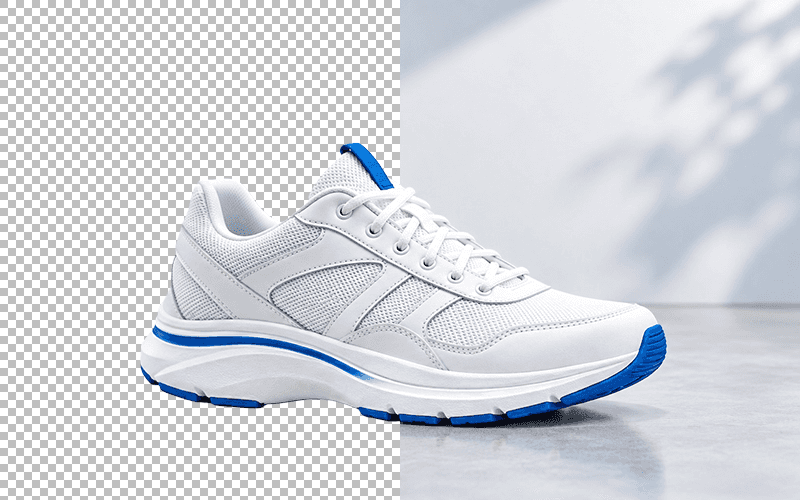
Export a transparent PNG
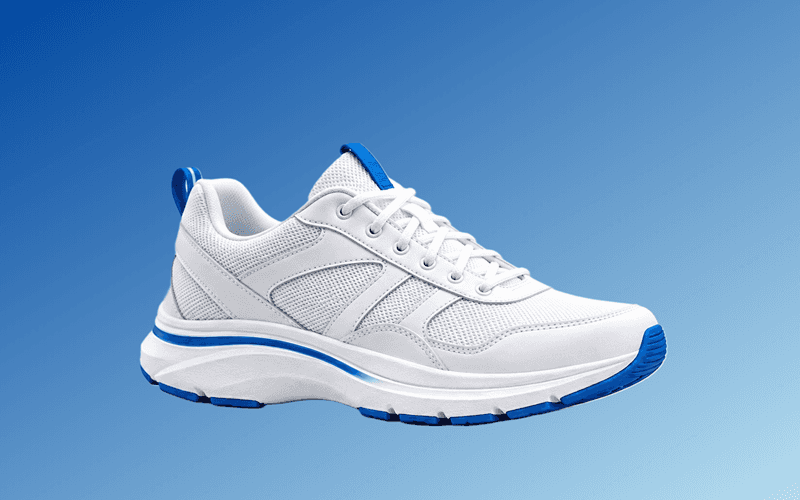
Change the background color
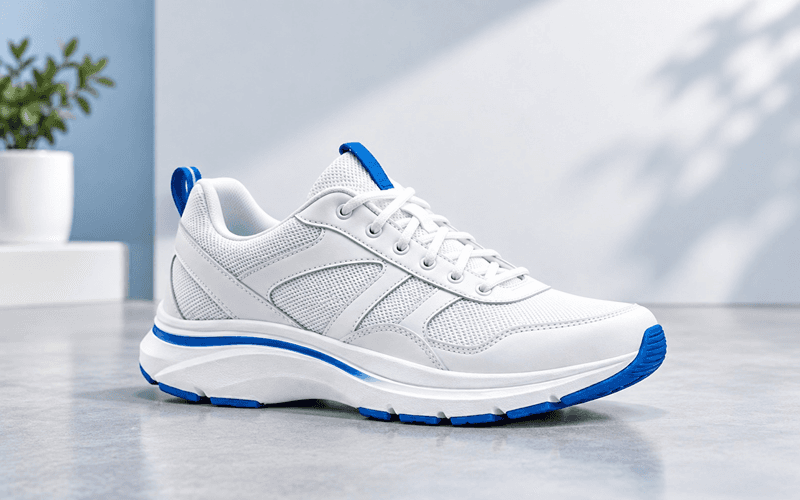
Change the background image
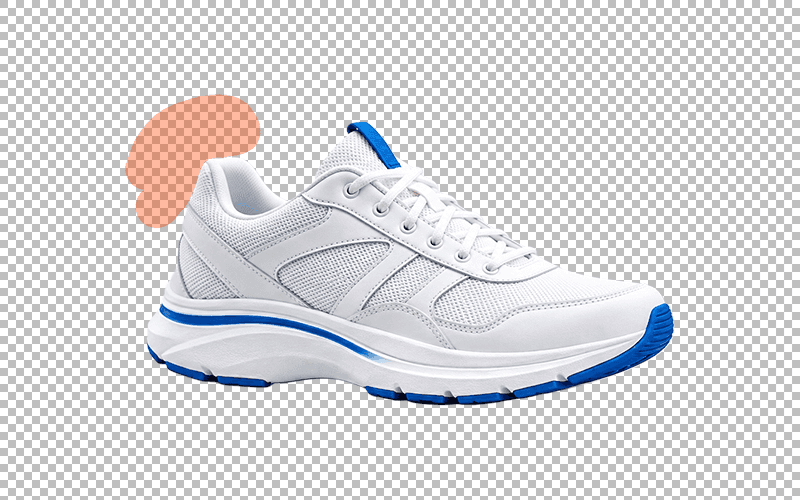
Refine the cutout with a brush
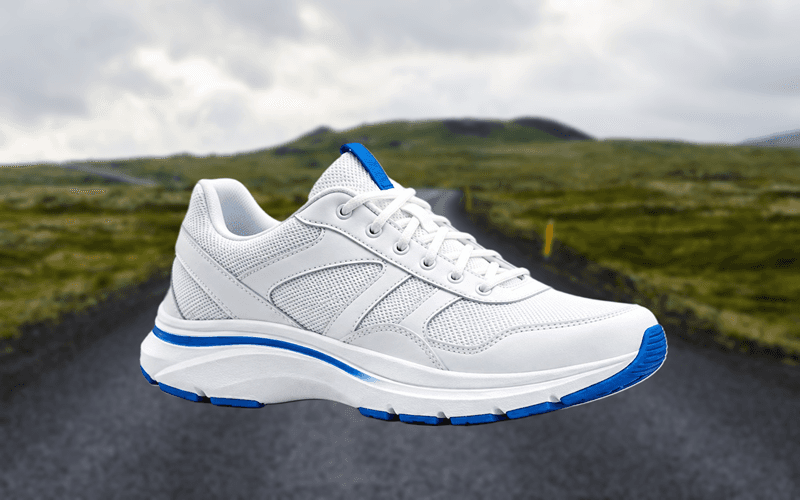
Blur the background
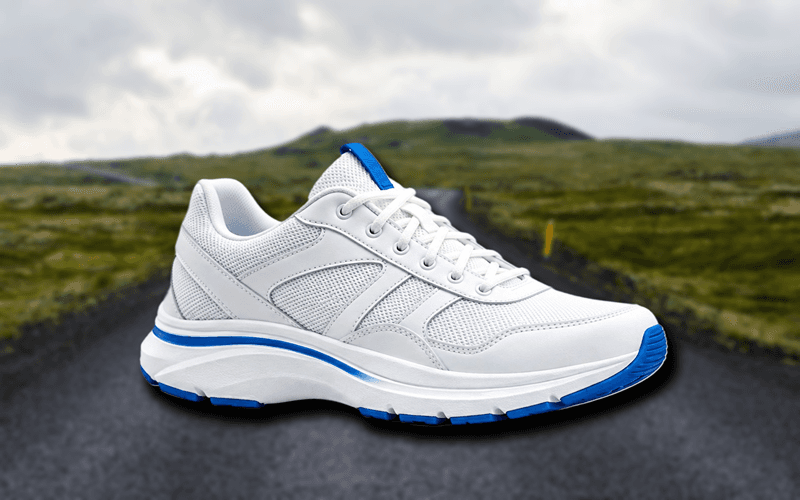
Add a drop shadow
Perfect for Product Photos, Portraits, Logos, and More


Background Remover FAQAnswers to common questions about removing image backgrounds online
How do I remove the background from an image for free?
Upload your image to the background remover, wait a few seconds while the AI detects the subject, then download the transparent PNG. It is free, requires no sign-up, and adds no watermark.
Which image formats can I upload?
You can upload JPG, JPEG, PNG, WEBP, GIF, and JFIF images up to 25 MB. The tool returns a transparent PNG, which works in any design or editing app.
Is this background remover really free?
Yes. The background remover is completely free, with no account, no credits, and no limit on how many images you process. You can download the result in full resolution.
Does it work on hair, fur, and fine details?
Yes. The AI is trained to handle complex edges such as hair, fur, and transparent or semi-transparent objects. You can also refine the cutout with the brush in the built-in editor.
Can I replace the background after removing it?
Yes. After the background is removed, the editor lets you add a new background image, pick a solid color or gradient, blur the background, or add a drop shadow with adjustable color, opacity, blur, spread, and offset.
Can I use this background remover for product photos?
Absolutely. Clean cutouts are ideal for Amazon, eBay, Shopify, Etsy, and social media product listings. You can also apply a pure white background for marketplace requirements.
Does the background remover work on mobile?
Yes. The tool runs in your browser on phones, tablets, and computers, so you can remove backgrounds anywhere without installing an app.
Will my images be stored or shared?
Your files are uploaded over SSL/TLS, processed to create the cutout, and deleted automatically after processing. No account or personal data is required.
What Our Users Say

Oladepo Boluwatilewato
This is the best ai background remover, i have ever use, and it is 100% free

AvEr Gajixa
One of the best free tools out there, does a really great job of removing backgrounds

Brandon
Searched hard to find a tool that could remove a simple background and NOT leave random whitespace everywhere, while also keeping the HD qualities of the original pic. This is the best tool by FAR for HD pics and complete, consistent removal of backgrounds and its free!

Irshad Multani
very nice i like the way the site help us free of cost

Khan Ikram
best software of graphic design

Imran Rasheed
its outstanding, can be improved adding some enhancement features
Oladepo Boluwatilewato
This is the best ai background remover, i have ever use, and it is 100% free
AvEr Gajixa
One of the best free tools out there, does a really great job of removing backgrounds
Brandon
Searched hard to find a tool that could remove a simple background and NOT leave random whitespace everywhere, while also keeping the HD qualities of the original pic. This is the best tool by FAR for HD pics and complete, consistent removal of backgrounds and its free!
Irshad Multani
very nice i like the way the site help us free of cost
Khan Ikram
best software of graphic design
Imran Rasheed
its outstanding, can be improved adding some enhancement features
More Free Tools You'll LoveExplore other utilities to speed up your workflow
Background Remover
Automatically remove image backgrounds in one click
White Background Maker
Turn any photo into a clean pure white (#FFFFFF) background
Background Remover Without Quality Loss
Remove backgrounds at full resolution and keep sharp edges
Image Format Converter
Convert between JPG, PNG, and WebP formats instantly


Your feedback
If you have any questions, feedback, or encounter any issues while using our online tools, please don't hesitate to contact us
Email us