Free White Background Maker
Turn any photo into a clean, pure white background (#FFFFFF). Remove the background and apply white in 4K: no sign-up, no watermarks, unlimited use.
Why Use a White Background?
A pure white background makes your subject stand out and keeps your image looking professional. It is the standard for product listings, headshots, and documents that must look clean and consistent.
Marketplace-Ready Photos
Amazon, eBay, and Shopify expect product photos on a pure white (#FFFFFF) background. Picking white takes one click.
Clean, Consistent Headshots
Perfect for profiles, resumes, and ID photos where a neutral white background is required or expected.
No Design Skills Needed
No Photoshop. Our AI removes the background, and you pick a pure white background in one click, ready to download.
Pure White, Exactly #FFFFFF
The white you pick is true white, RGB 255, 255, 255 / #FFFFFF, the same value marketplaces require. No off-white, no gray cast.
How to Remove an Image Background in 3 Quick Steps
Upload Your Photo
Drag-and-drop any JPG, PNG, WebP, or GIF, crisp edges help our AI lock onto the subject for flawless results.
Let the AI Work
In a few seconds our cloud engine cut the background automatically
Download your image
Grab your new high-resolution PNG with a transparent background, then rate the result so we can keep improving the tool.
More Than an Image Background Remover
After removing the background, you can:
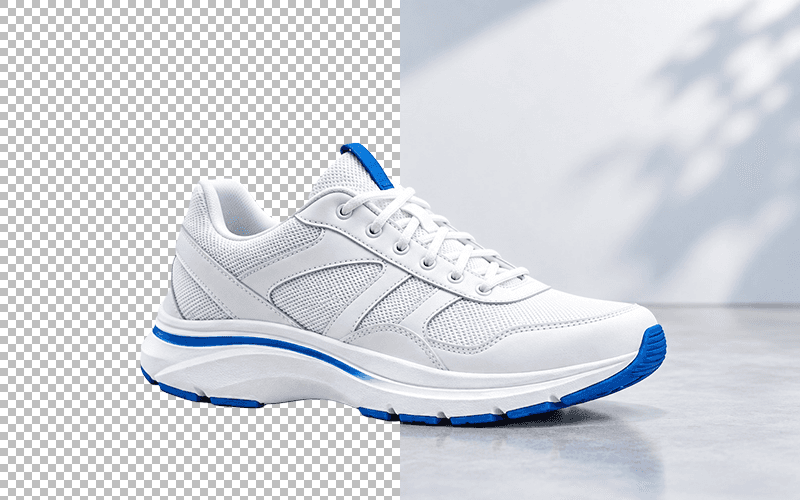
Export a transparent PNG
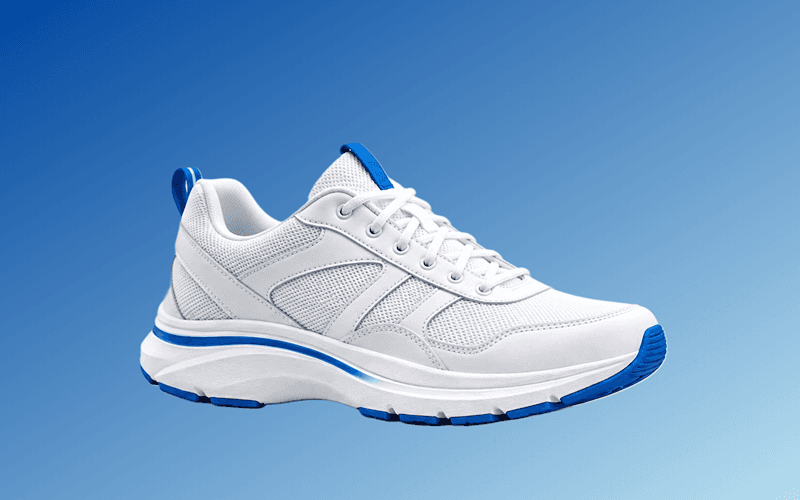
Change the background color
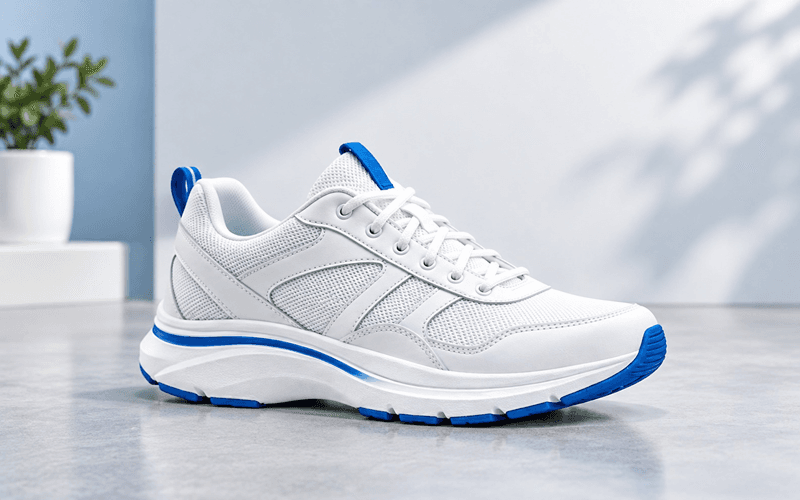
Change the background image
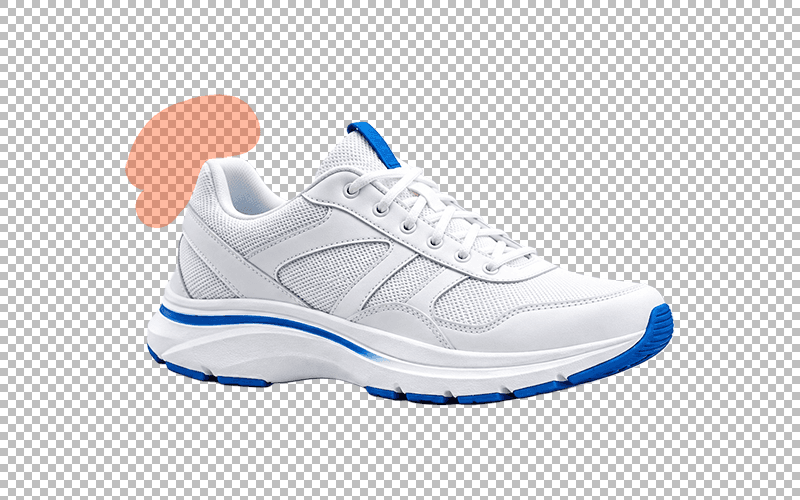
Refine the cutout with a brush
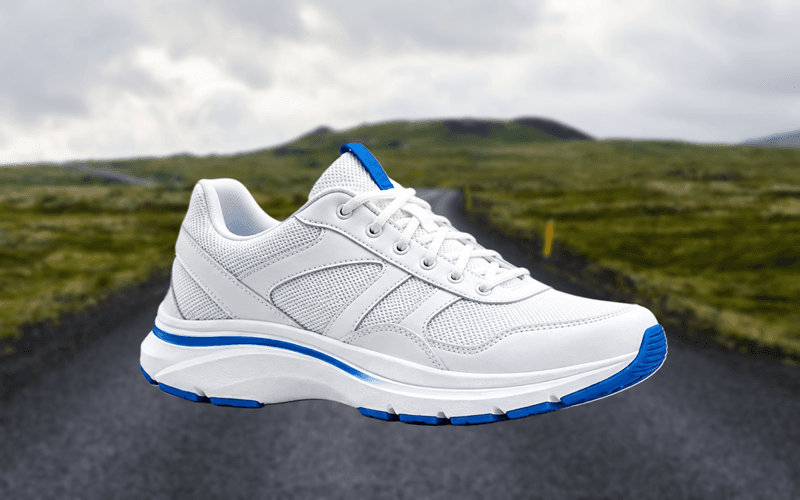
Blur the background
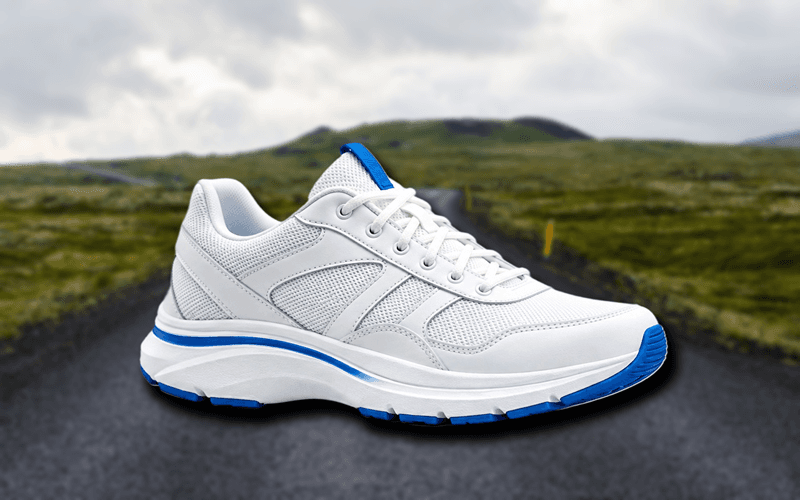
Add a drop shadow
Perfect for Product Photos, Portraits, Logos, and More


White Background FAQAnswers to common questions about making a white background
Can I change a black or dark background to white?
Yes. Upload your photo, let the AI remove the existing background, and then apply white. You get a clean pure white (#FFFFFF) result instead of the original dark background.
Is the white really #FFFFFF?
Yes. The white option is true white, RGB 255, 255, 255, or #FFFFFF, not an off-white or light-gray shade, so your image meets strict marketplace and document requirements.
Does it work for product photos for Amazon, eBay, or Shopify?
Yes. Most marketplaces require product images on a pure white background. The AI removes the background, then you pick #FFFFFF, so your product photo is ready to upload.
Is this good for passport, visa, or ID photos?
It is a great starting point. You can create a clean white-background headshot in seconds. Just make sure the final dimensions and lighting match your country official requirements before submitting.
Will the subject look flat on a white background?
No. You can add a subtle drop shadow behind the subject so it still looks natural and professional while the background stays pure white.
Can I use a shade of white other than #FFFFFF?
Yes. The background color is up to you. This tool lets you pick any solid color, so you can use off-white, cream, or any other shade you want, not just pure white (#FFFFFF).
Can I make white backgrounds on my phone?
Yes. Everything runs in your browser on any device, so you can make white-background images on a phone, tablet, or desktop, with no app to install.
Is it really free and are there watermarks?
It is completely free with no sign-up, no watermarks, and no limits on how many images you process. You download your white-background image at full resolution.
What Our Users Say

Oladepo Boluwatilewato
This is the best ai background remover, i have ever use, and it is 100% free

AvEr Gajixa
One of the best free tools out there, does a really great job of removing backgrounds

Brandon
Searched hard to find a tool that could remove a simple background and NOT leave random whitespace everywhere, while also keeping the HD qualities of the original pic. This is the best tool by FAR for HD pics and complete, consistent removal of backgrounds and its free!

Irshad Multani
very nice i like the way the site help us free of cost

Khan Ikram
best software of graphic design

Imran Rasheed
its outstanding, can be improved adding some enhancement features
Oladepo Boluwatilewato
This is the best ai background remover, i have ever use, and it is 100% free
AvEr Gajixa
One of the best free tools out there, does a really great job of removing backgrounds
Brandon
Searched hard to find a tool that could remove a simple background and NOT leave random whitespace everywhere, while also keeping the HD qualities of the original pic. This is the best tool by FAR for HD pics and complete, consistent removal of backgrounds and its free!
Irshad Multani
very nice i like the way the site help us free of cost
Khan Ikram
best software of graphic design
Imran Rasheed
its outstanding, can be improved adding some enhancement features
More Free Tools You'll LoveExplore other utilities to speed up your workflow


Your feedback
If you have any questions, feedback, or encounter any issues while using our online tools, please don't hesitate to contact us
Email us